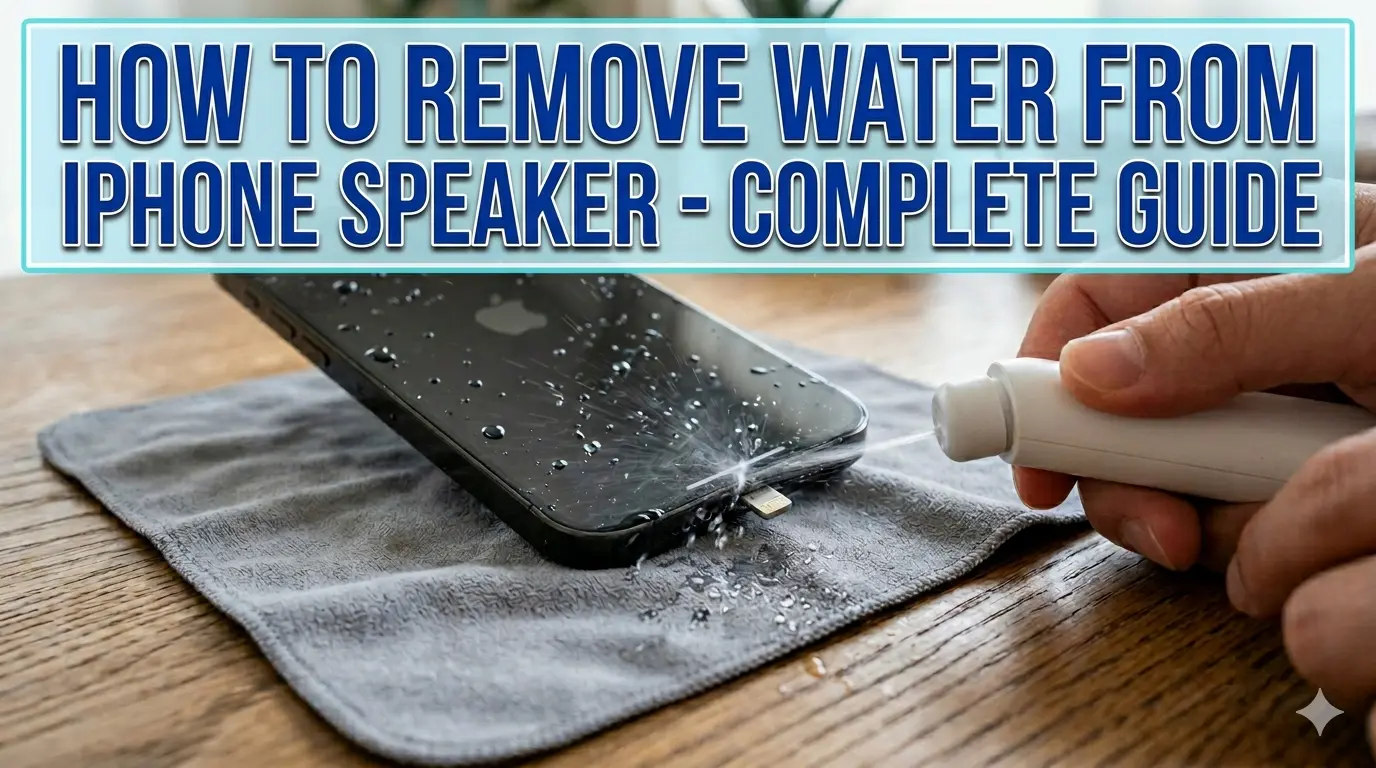
How to Remove Water from iPhone Speaker – Complete Guide
You just dropped your iPhone in water. Your heart skips a beat. You pick it up fast — but now the speaker sounds muffled, like someone stuffed cotton inside it. Sound familiar?
The good news is this happens to thousands of iPhone users every day. And in most cases, you can fix it yourself in minutes. This guide will show you exactly how to remove water from your iPhone speaker — using free tools, simple tricks, and zero technical skills.
Is Your iPhone Waterproof or Just Water Resistant?
Here is something most people get wrong — iPhones are not waterproof. They are water resistant. That is a big difference.
Apple rates newer iPhones with IP67 or IP68 ratings. IP67 means your phone can survive up to 1 meter of water for 30 minutes. IP68 means it can handle up to 6 meters for 30 minutes — depending on the model.
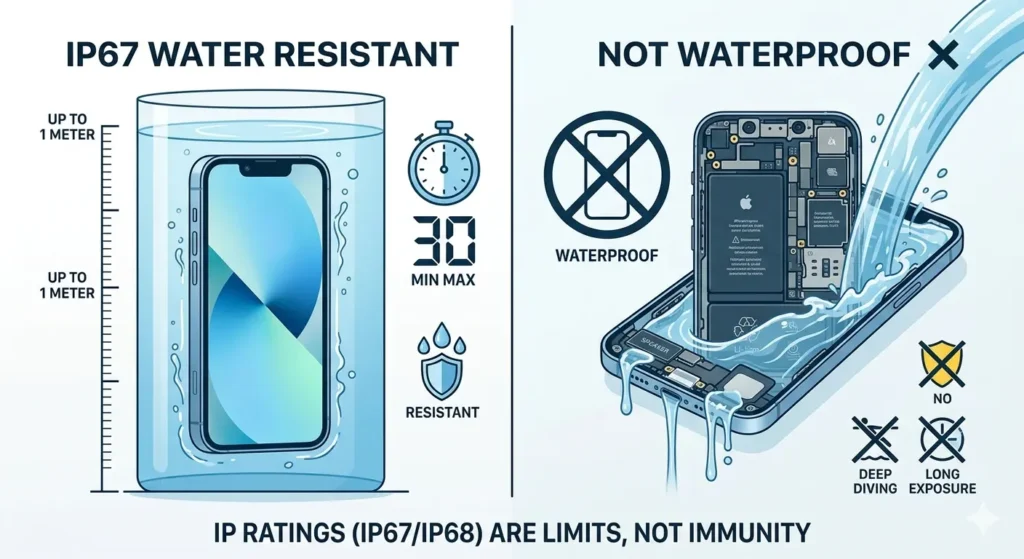
What IP67 and IP68 Actually Mean for Your iPhone?
The “IP” stands for Ingress Protection. The second number (7 or 8) tells you how deep and how long the device can handle submersion. But these ratings are tested in still, clean water — not a pool with chlorine or a sink full of soapy water.
Which iPhone Models Are Water Resistant?
iPhone 7 and later models have water resistance ratings. The iPhone 15 Pro and Pro Max carry an IP68 rating at up to 6 meters. Older models like iPhone 6s and below have no official water resistance at all.
Why Does Water Get Trapped in iPhone Speaker?
Water does not just sit on the surface of your iPhone. It gets pulled inside tiny openings by pressure and gravity.
How Water Enters the Speaker Mesh?
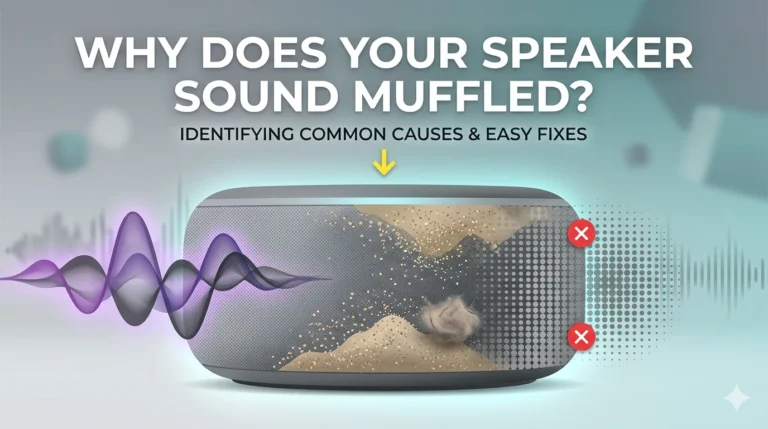
Your iPhone speaker is covered by a thin mesh grille. This mesh keeps dust out — but it also traps water droplets inside. Once water is in, the mesh makes it harder to drain out naturally.
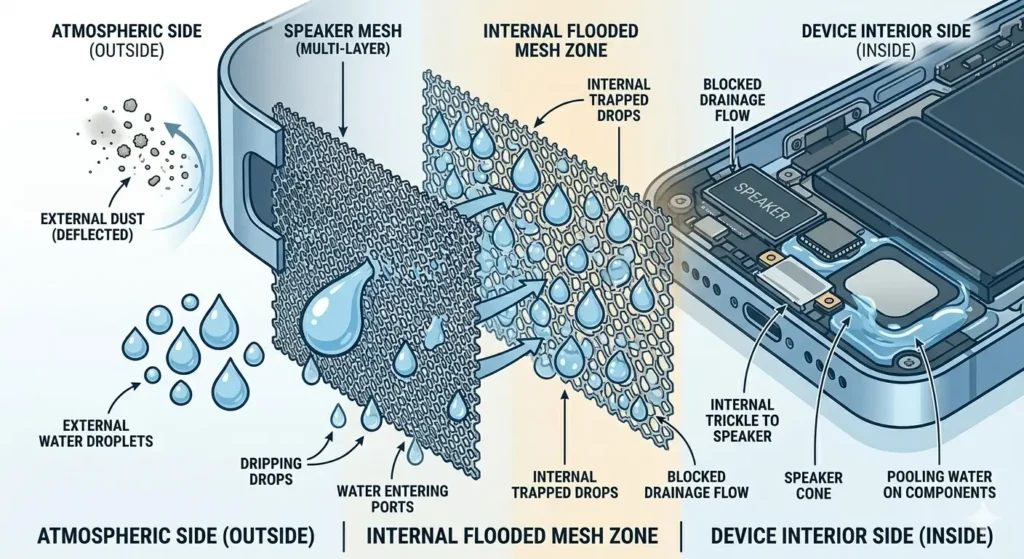
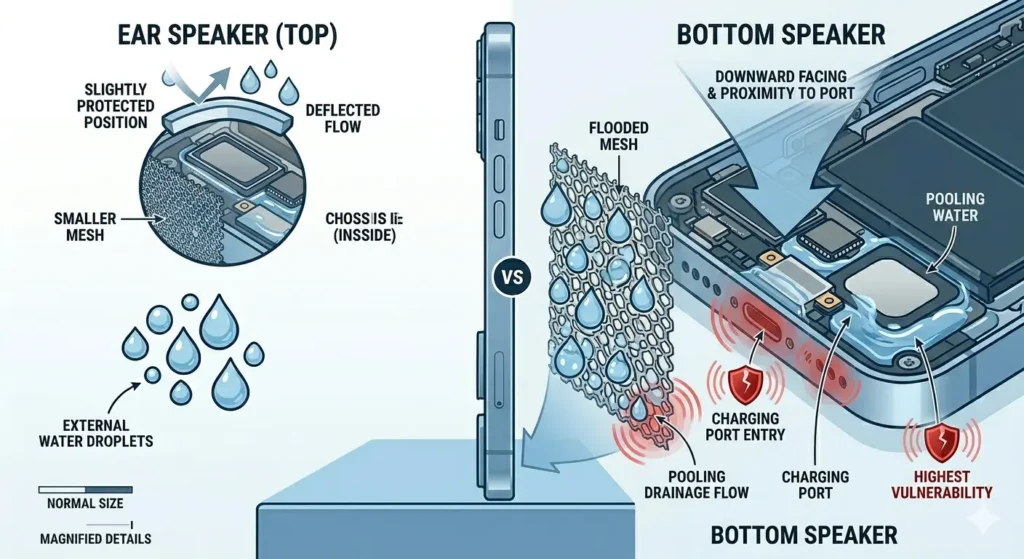
Bottom Speaker vs Ear Speaker – Which Is More Vulnerable?
The bottom speaker is more vulnerable. It faces downward when you hold your phone normally, and it sits right next to the charging port — another water entry point. The ear speaker at the top is smaller and slightly more protected by position.
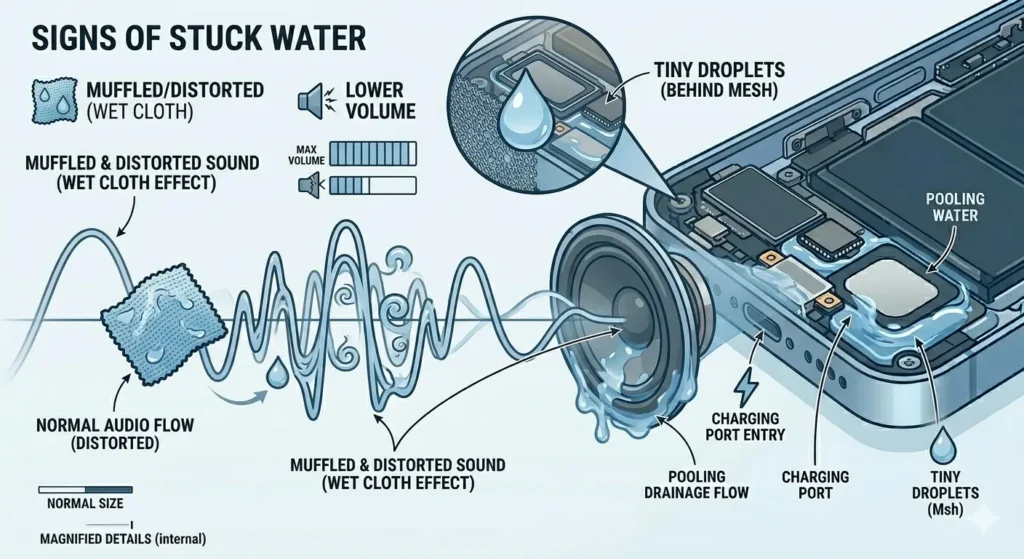
Signs Water Is Stuck in Your iPhone Speaker?
Not sure if water is the problem? Look for these signs. Your speaker sounds muffled or distorted during calls. Music sounds like it is playing through a wet cloth. The volume seems lower than usual even at full blast. You might even see tiny water droplets behind the speaker mesh when you look closely.
How to Remove Water from iPhone Speaker – All Methods
Let us get to the actual fixes. Try them in order — start with the fastest ones first.
165Hz Sound Frequency Tool (Fastest Fix)
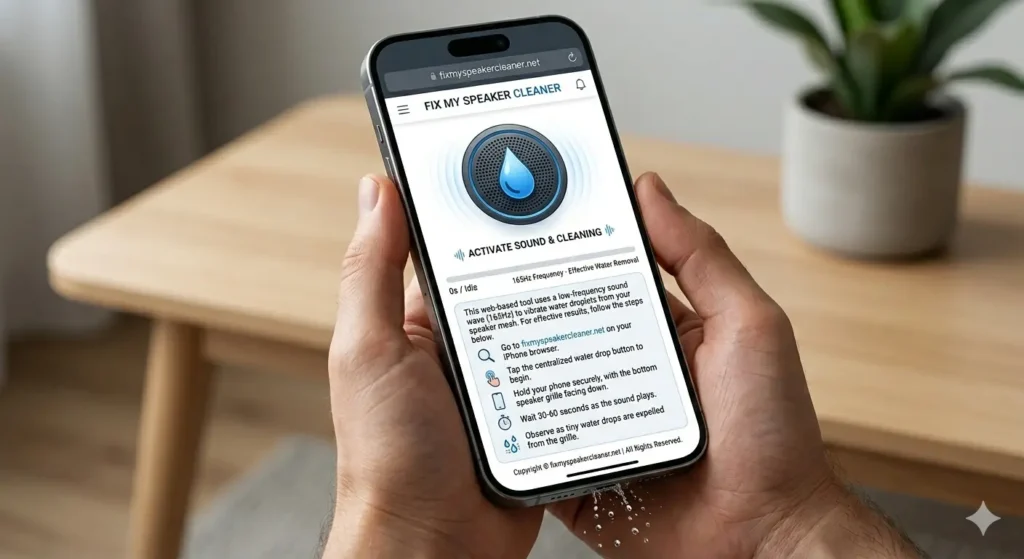
This is the quickest way to remove water from iPhone speaker. A specific low-frequency sound vibrates the speaker membrane and physically pushes water droplets out.
How to Use Fix My Speaker- Step by Step
Go to fixmyspeakercleaner.net on your iPhone browser. Tap the water drop button. Hold your iPhone with the speaker facing down. Let it run for 30 to 60 seconds. You will actually see tiny water drops come out as it runs.
iPhone Water Eject Shortcut (Free)
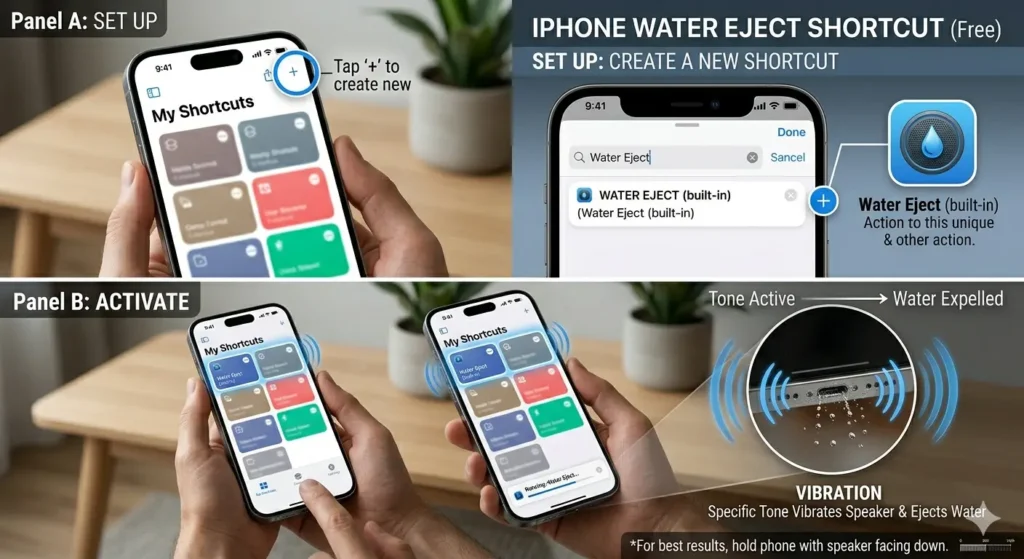
Apple’s Shortcuts app lets you run a built-in water eject function. It works similarly — it plays a specific tone that vibrates water out of the speaker grille.
How to Set Up Water Eject Shortcut
Open the Shortcuts app on your iPhone. Tap the + button to add a new shortcut. Search for “Water Eject” in the action list. Add it and save it with a name you will remember.
How to Add Water Eject to iPhone Home Screen
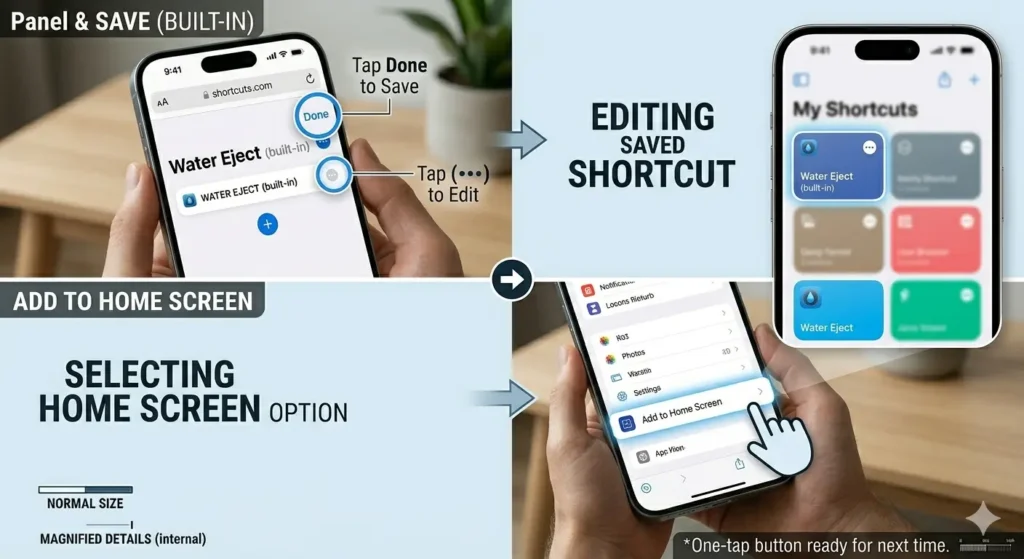
After saving, tap the three dots on the shortcut. Tap Add to Home Screen. Now you have a one-tap button ready for next time.
How to Run Water Eject Using Siri
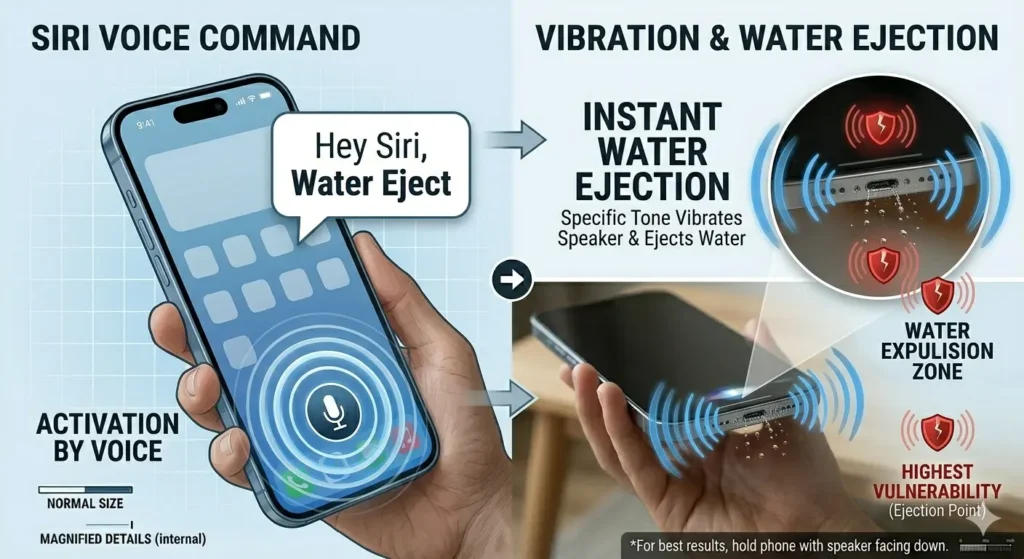
Just say “Hey Siri, Water Eject” if you have set up the shortcut already. It runs instantly — no screen tapping needed.
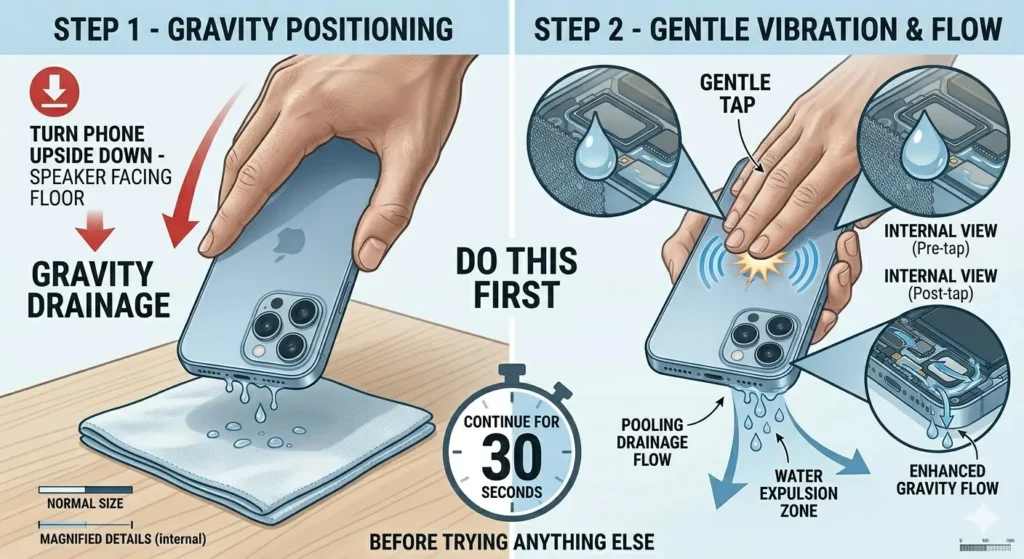
Gravity Drainage (Do This First)
This sounds almost too simple, but it works. Turn your iPhone upside down with the speaker facing the floor. Give it a gentle tap on the back with your palm. Let gravity pull the water out. Do this for 30 seconds before trying anything else.
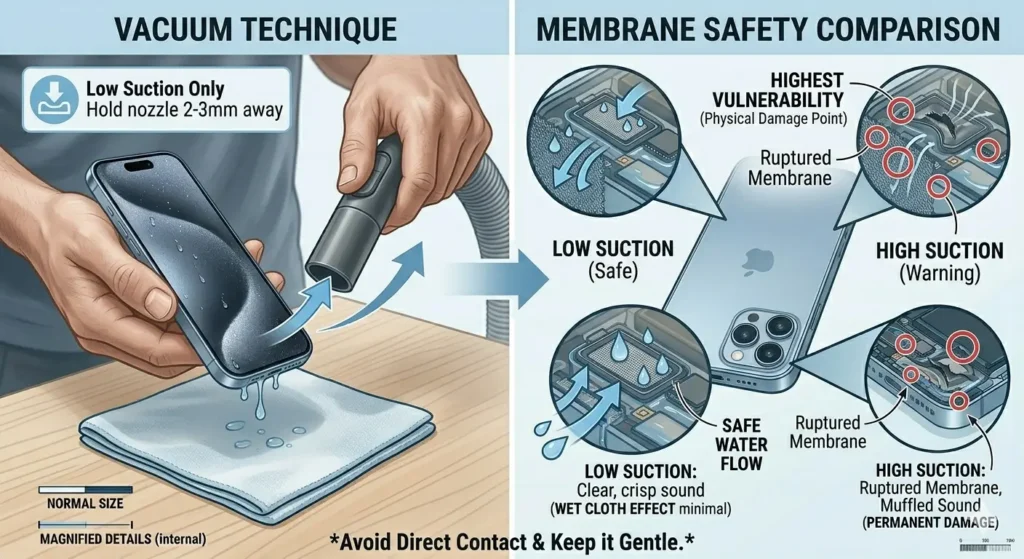
Use a Vacuum (Low Suction Only)
A vacuum can suck water out of the speaker mesh. Use the lowest suction setting available. Hold the nozzle near — not directly on — the speaker grille. High suction can damage the speaker membrane, so keep it gentle.
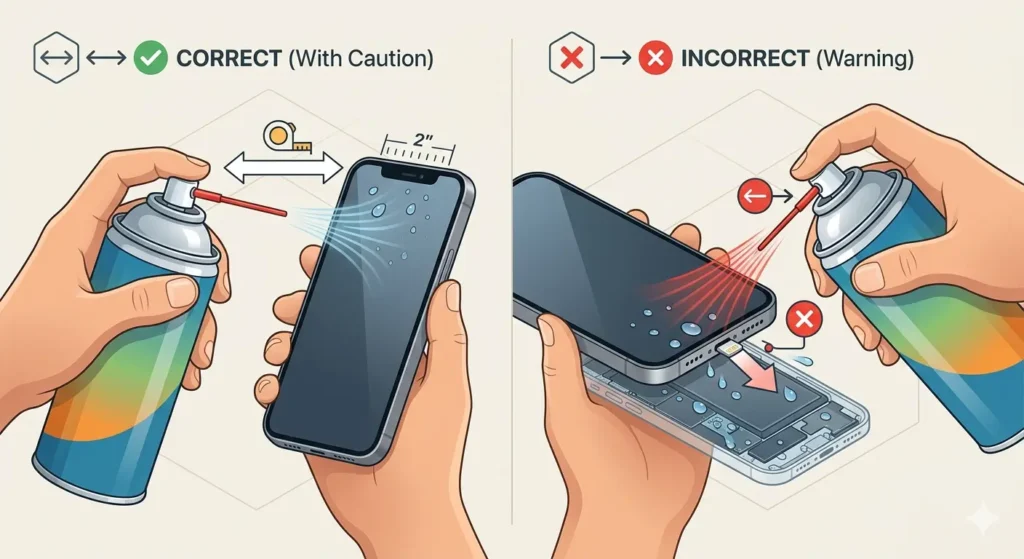
Compressed Air (Use With Caution)
Short, gentle bursts of compressed air can push water out. Hold the can at least 2 inches away from the speaker. Never blow air directly into the charging port — it can push water deeper inside instead of removing it.
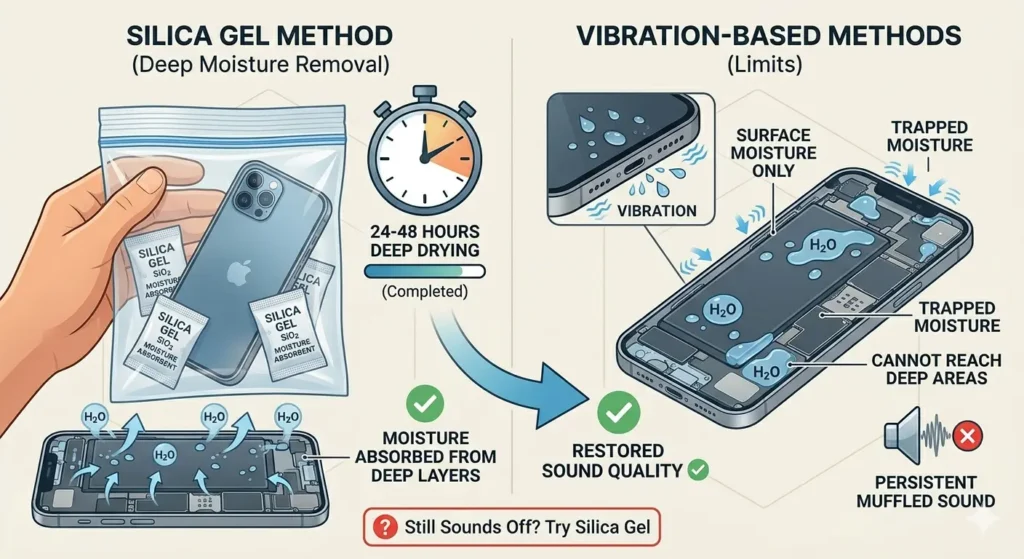
Silica Gel for Deep Moisture
Already tried the sound methods but speaker still sounds off? Put your iPhone in a sealed bag with a few silica gel packets. Leave it for 24–48 hours. Silica gel absorbs moisture that vibration tools cannot reach.
How to Remove Water from iPhone Bottom Speaker
The bottom speaker needs extra attention because water tends to pool there. Use the Fix My Speaker tool first with your phone facing downward. Follow it with the silica gel method overnight. The combination of vibration and absorption works best for stubborn bottom speaker cases.
How to Remove Water from iPhone Ear Speaker
The ear speaker is smaller and sits at the top of your screen. Run the Water Eject shortcut with your iPhone held vertically, ear speaker facing up. Then flip it and let gravity help. The ear speaker usually clears faster than the bottom one.
How to Get Water Out of iPhone Charging Port
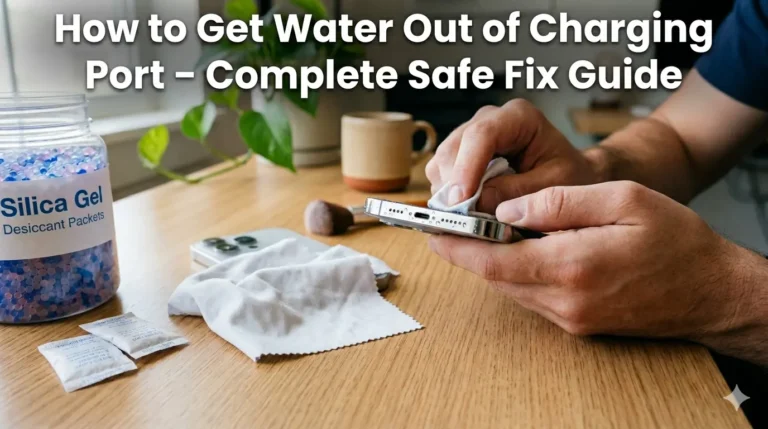
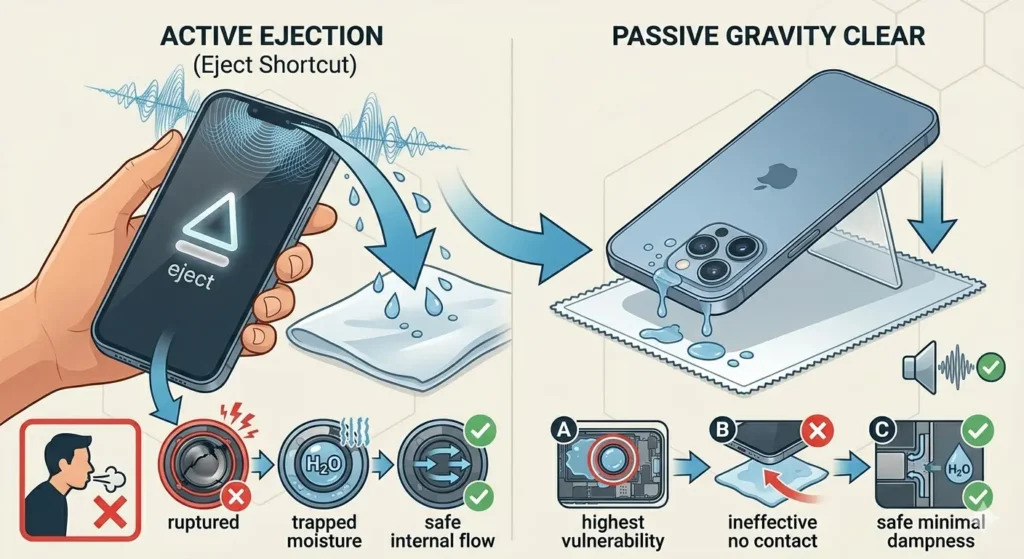
Do not plug in your iPhone if the charging port is wet — this can cause a short circuit. Shake the phone gently with the port facing down first. Then use short bursts of compressed air to help dry it. Your iPhone may show a “Liquid Detected” warning — trust it and wait at least an hour before charging.
How to Get Water Out of iPhone Camera
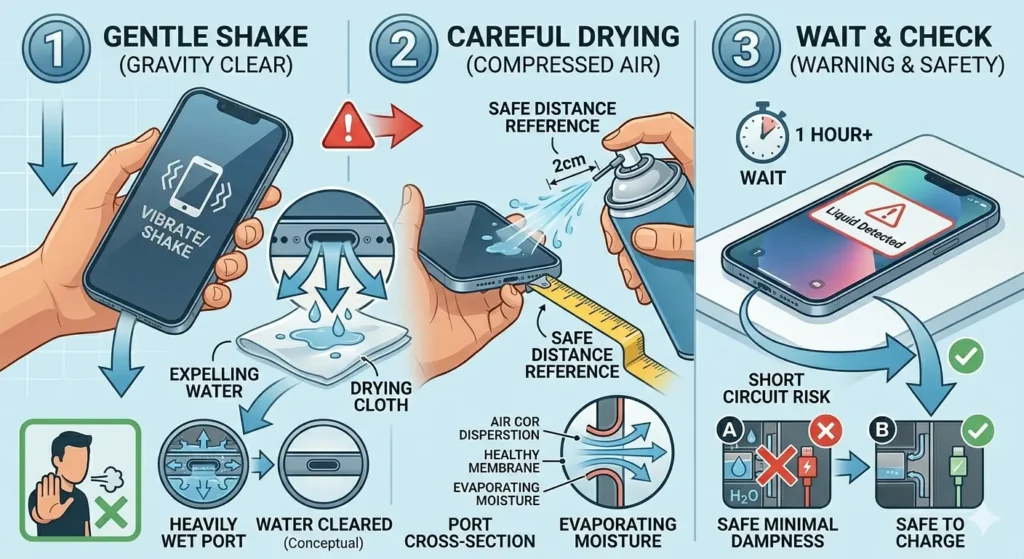
Water in the camera shows up as foggy or blurry photos. Do not use heat — it damages the lens coating. Place your iPhone in a dry, airy room and use the silica gel bag method. Give it a few hours before assuming permanent damage.
What NOT to Do When Water Is in Your iPhone Speaker
Some common “fixes” actually make things worse. Avoid all of these.
Do Not Use a Hair Dryer
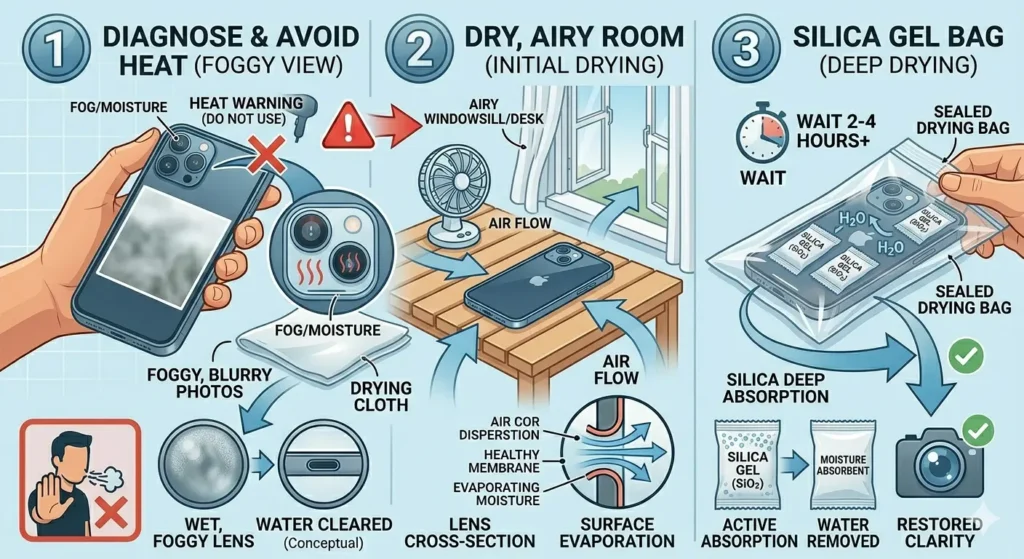
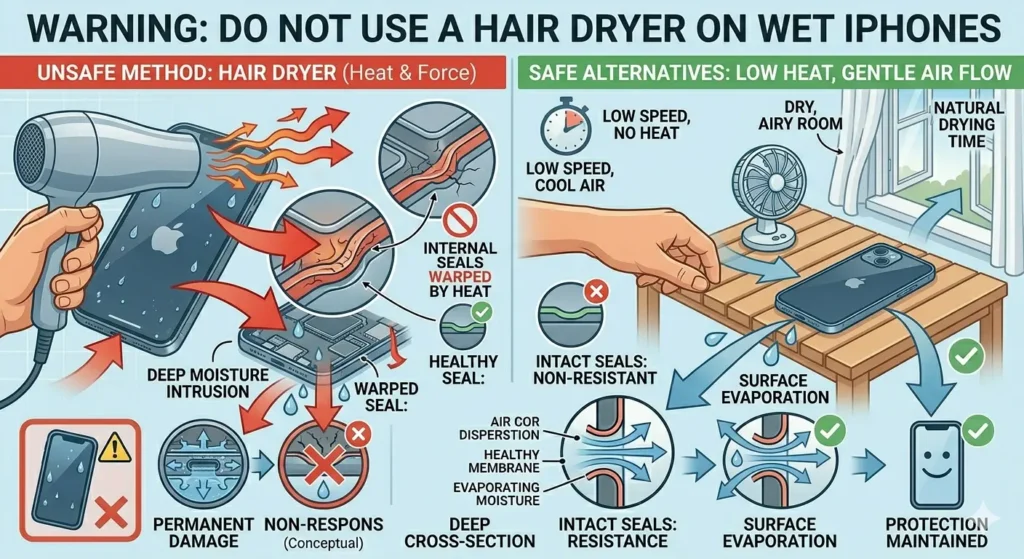
Heat warps the adhesive seals inside your iPhone. Those seals are what keeps it water resistant in the first place. A hair dryer can destroy them permanently.
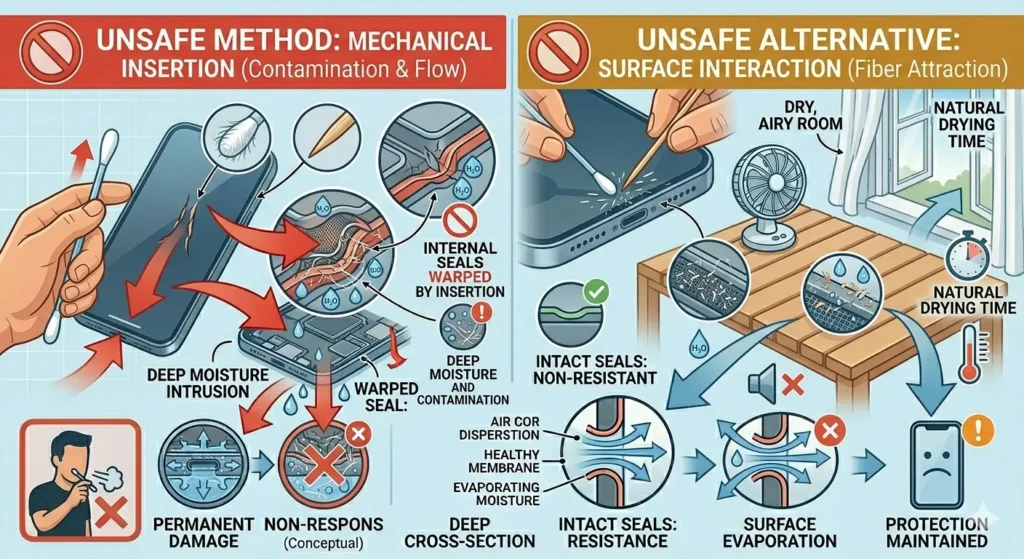
Do Not Insert Cotton Swabs or Toothpicks
These push water deeper into the speaker mesh instead of removing it. They also leave tiny fibers behind that attract more moisture later.
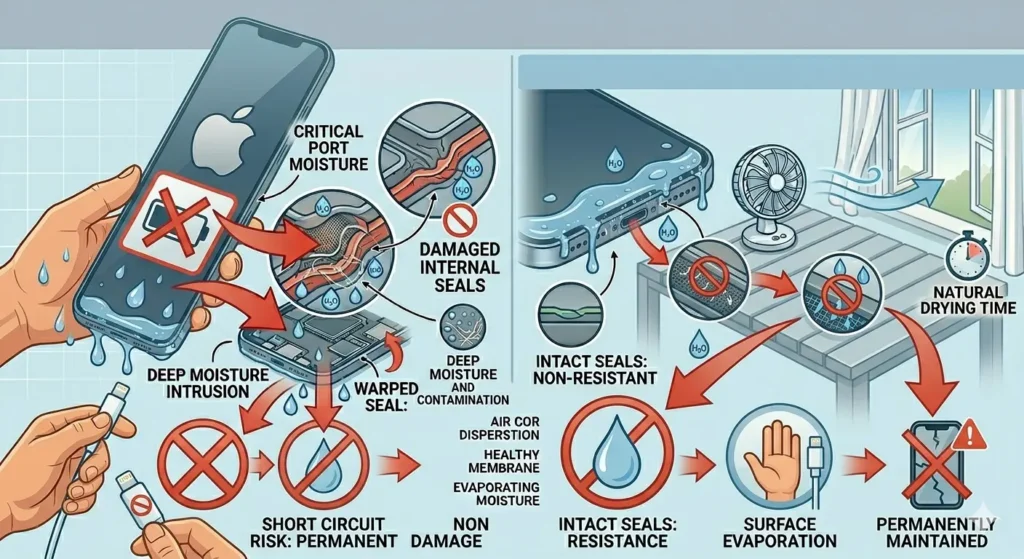
Do Not Charge Your iPhone
Electricity and water are a dangerous combination. Wait until you are completely sure the charging port is dry — or see the all-clear message on screen — before plugging in.
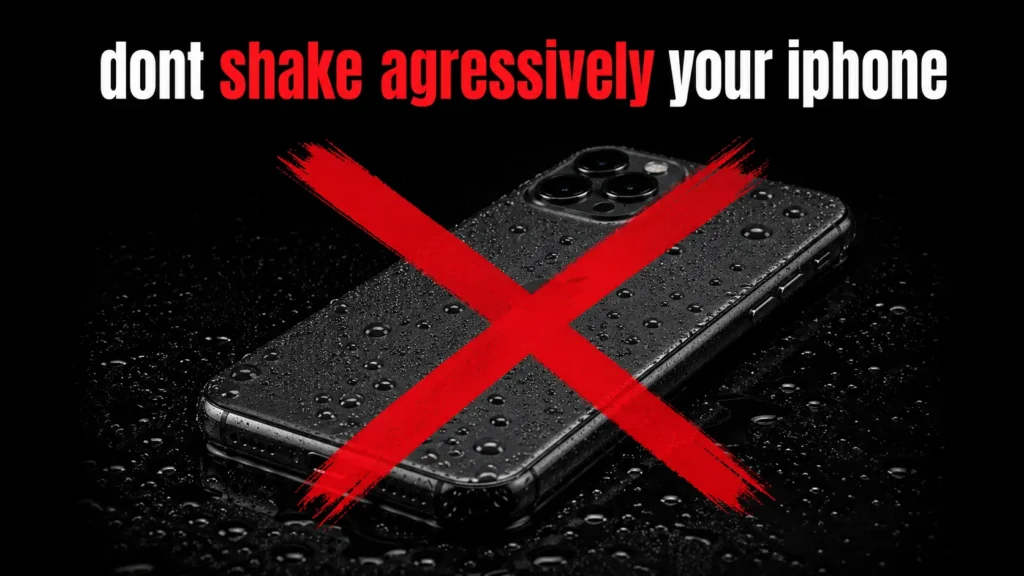
Do Not Shake Aggressively
A gentle tap is fine. Shaking your iPhone hard can spread water to other internal components that were previously dry.
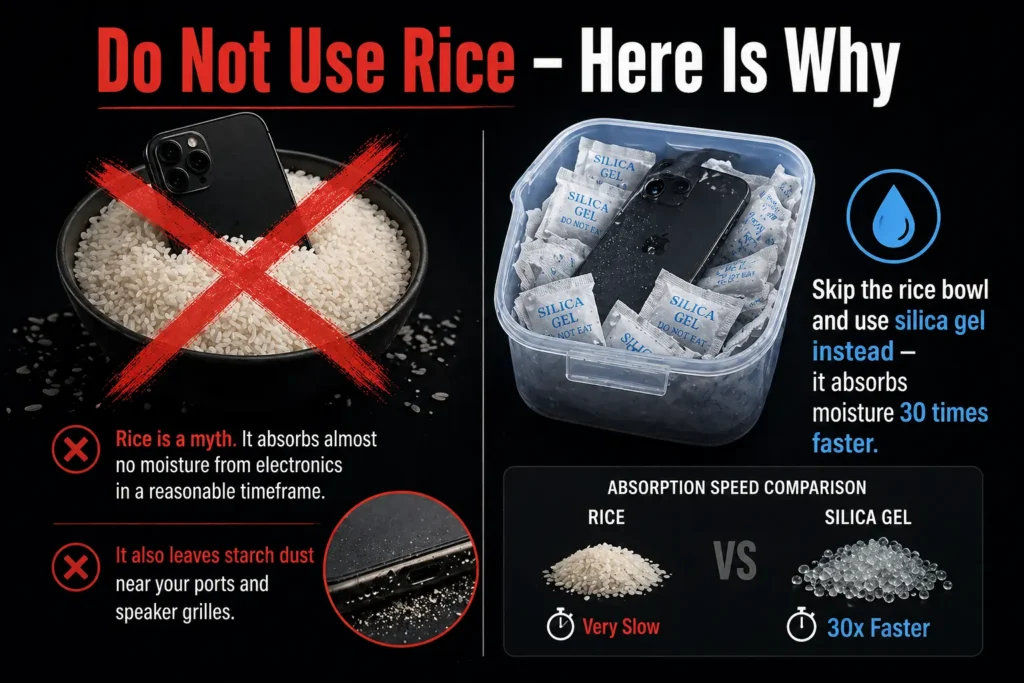
Do Not Use Rice – Here Is Why
Rice is a myth. It absorbs almost no moisture from electronics in a reasonable timeframe. It also leaves starch dust near your ports and speaker grilles. Skip the rice bowl and use silica gel instead. it absorbs moisture 30 times faster.
What If iPhone Speaker Still Sounds Muffled After Water Eject?
Ran the tool multiple times but the speaker still sounds off? Here is what to do next.
Run the Tool More Times
Run Fix My Speaker or the Water Eject shortcut 3 to 5 times in a row. Each pass pushes out a little more moisture. Most people stop too early.
Check for Corrosion
If water sat in your iPhone for more than a few hours, corrosion may have started inside the speaker. Look at the speaker grille under a flashlight. A greenish or white crust around the mesh is a sign of mineral deposits from the water.
Clean Speaker Corrosion with Isopropyl Alcohol
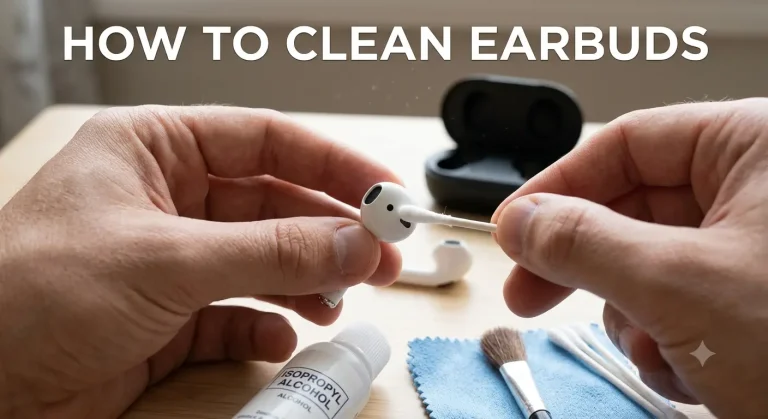
Dip a very soft brush (like a clean toothbrush) in 90%+ isopropyl alcohol. Gently scrub the speaker grille in small circles. The alcohol evaporates quickly and dissolves mineral deposits without leaving moisture behind. Do not use lower concentrations as they contain too much water.
How Long Does Water Stay in iPhone Speaker?
In most cases, water clears from the speaker within a few hours on its own — especially if your iPhone is left in a warm, dry room with airflow. With the sound frequency tools, it can happen in under a minute. Deep moisture trapped behind the mesh can take up to 24 hours to fully evaporate without help.
Can Water Damage iPhone Speaker Permanently?
Yes, it can do but it is less common than you think. Short exposure to water usually causes temporary muffling. Permanent damage happens when water sits inside for a long time, causing corrosion on the speaker’s internal components. If you act fast, the chances of permanent damage are very low.
Does Water Damage Void iPhone Warranty?
Apple’s standard warranty does not cover water damage. However, AppleCare+ covers accidental liquid damage with a service fee. Check your plan before assuming you are covered.
How to Prevent Water Getting into iPhone Speaker in Future
Use a waterproof case near water. Avoid using your iPhone in the rain without protection. Keep a few silica gel packets in your bag. they are cheap and can save your device in an emergency.
Frequently Asked Questions
Final Word
Getting water in your iPhone speaker is stressful — but it is rarely the disaster it feels like in the moment. Act fast, use the right methods, and you can remove water from your iPhone speaker in minutes without spending a rupee. Start with Fix My Speaker or the Water Eject shortcut, follow up with silica gel if needed, and you should be back to crystal-clear audio before long.
And remember — skip the rice. It belongs in your kitchen, not your tech emergencies.