Why Does My Speaker Sound Muffled? (Causes & Easy Fixes)
You pick up your phone to play a song. But something sounds off. The audio is dull, distant, and unclear. Your phone speaker sounds muffled — and you have no idea why.
This happens to millions of people every day. The good news? Most causes are simple and fixable without spending a single penny.
Let’s walk through exactly why this happens and what you can do about it.
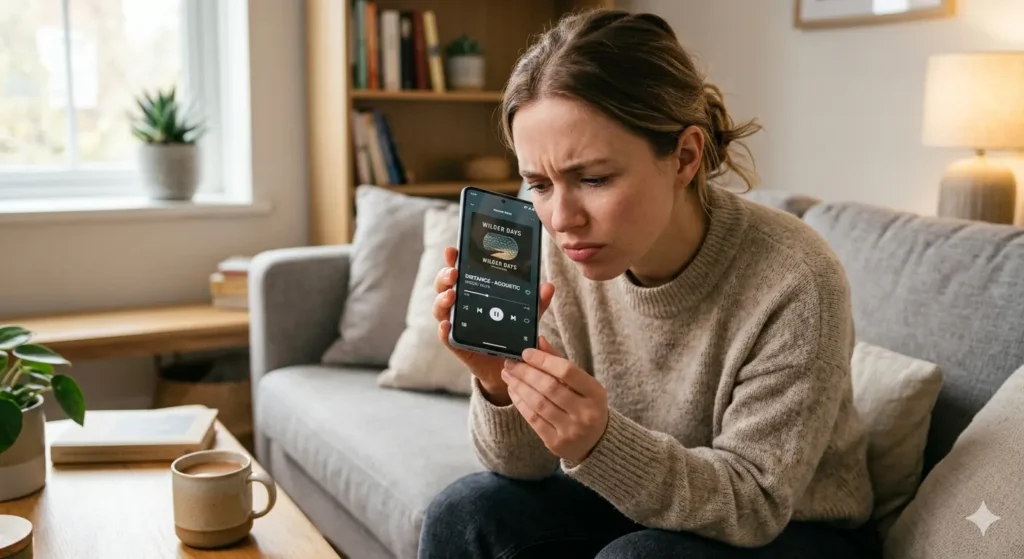
What Does a Muffled Speaker Actually Mean?
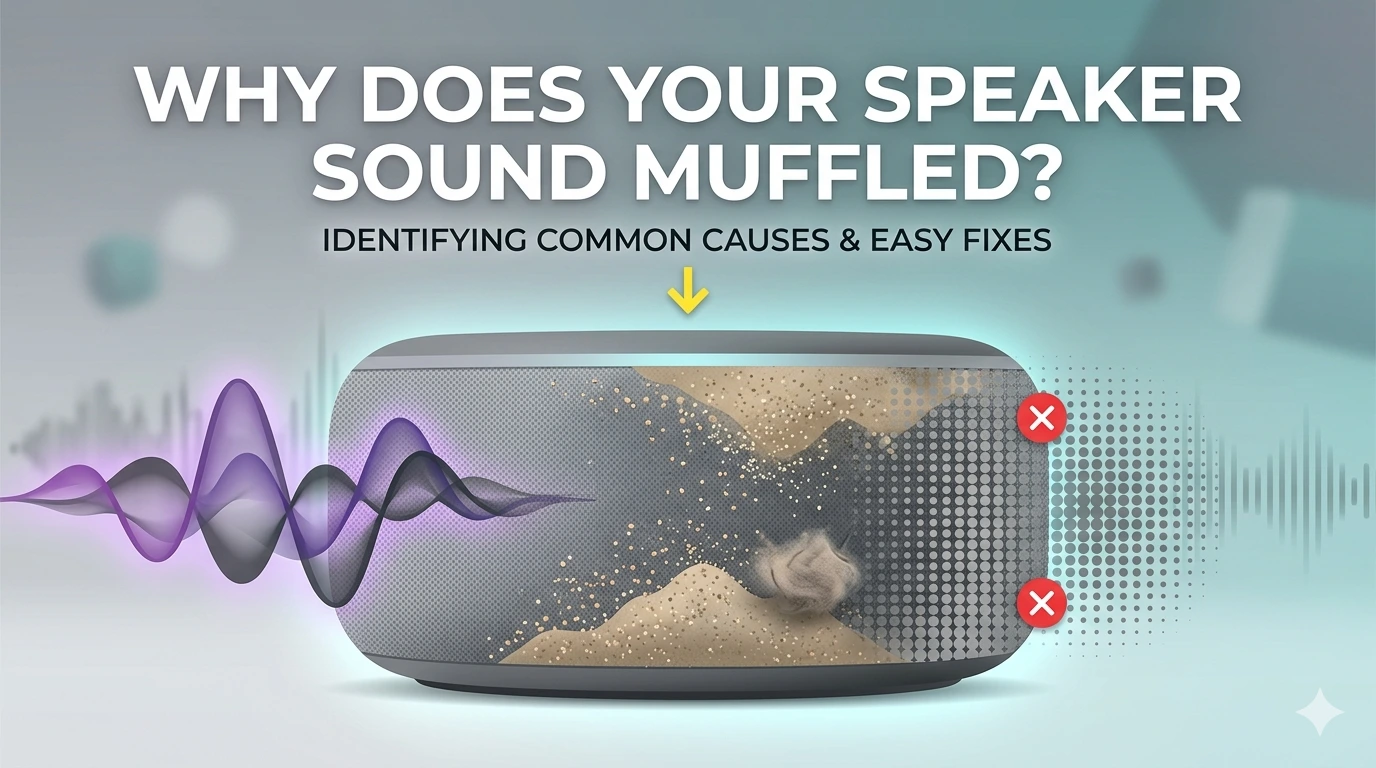
A muffled speaker sounds like someone put a pillow over your phone. The sound is there, but it lacks clarity. Voices sound unclear. Music loses its sharpness. It feels like the audio is coming from underwater.
This is not normal. A healthy speaker should produce clean, clear audio at every volume level. If yours doesn’t, something is blocking or damaging the sound.
Why Does My Phone Speaker Sound Muffled? (7 Real Causes)
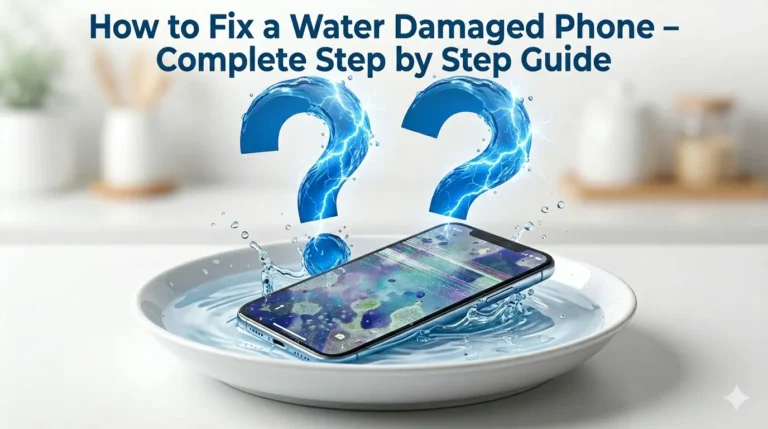
Water Got Inside Your Speaker
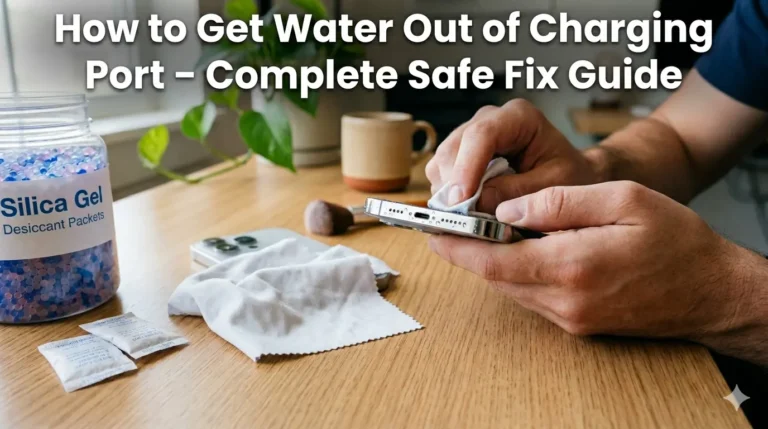
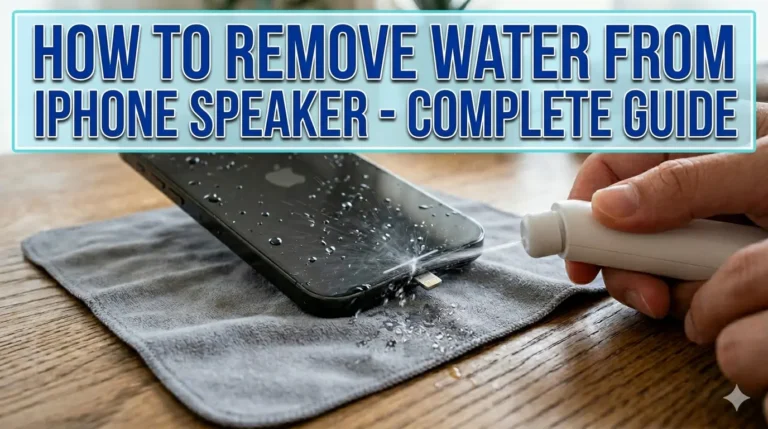
This is the most common cause. You don’t need to drop your phone in a pool. Even sweat, rain, or humidity is enough to push moisture into your speaker mesh.
Once water gets in, it creates a thin film over the speaker’s internal parts. This film blocks sound waves from traveling freely. The result is muffled, distorted audio that gets worse over time if you ignore it.
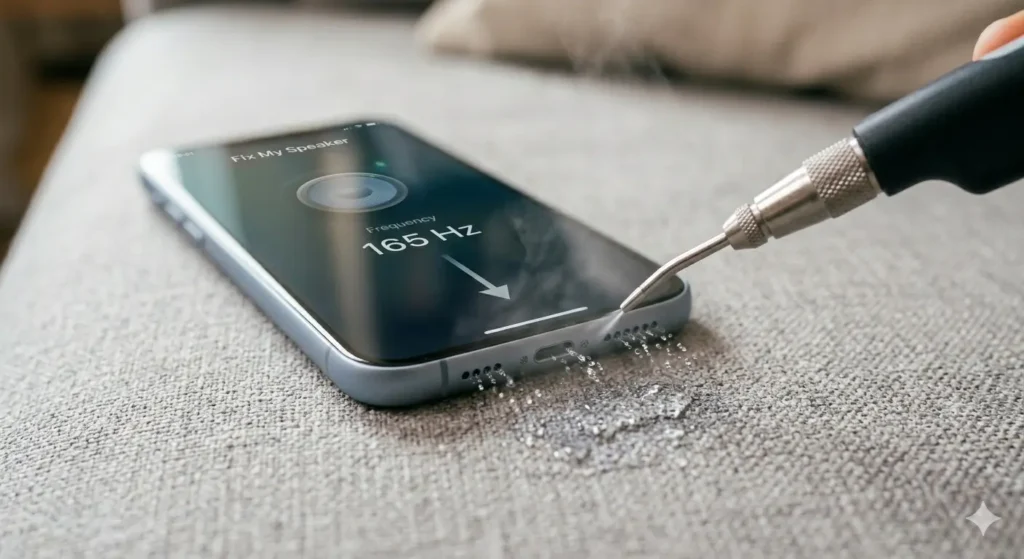
Fix:
Use a 165Hz sound frequency tool like Fix My Speaker to push the water out. This is the same technique used in Apple Watch water ejection mode.
Dust and Dirt Buildup in the Speaker Grille
Your phone goes everywhere with you. Your pocket, your bag, your kitchen counter. Over time, fine dust particles settle inside the speaker grille and clog the tiny pores.
You won’t notice it happening. But one day you’ll realize your audio sounds dull and distant. That’s dust blocking your sound.
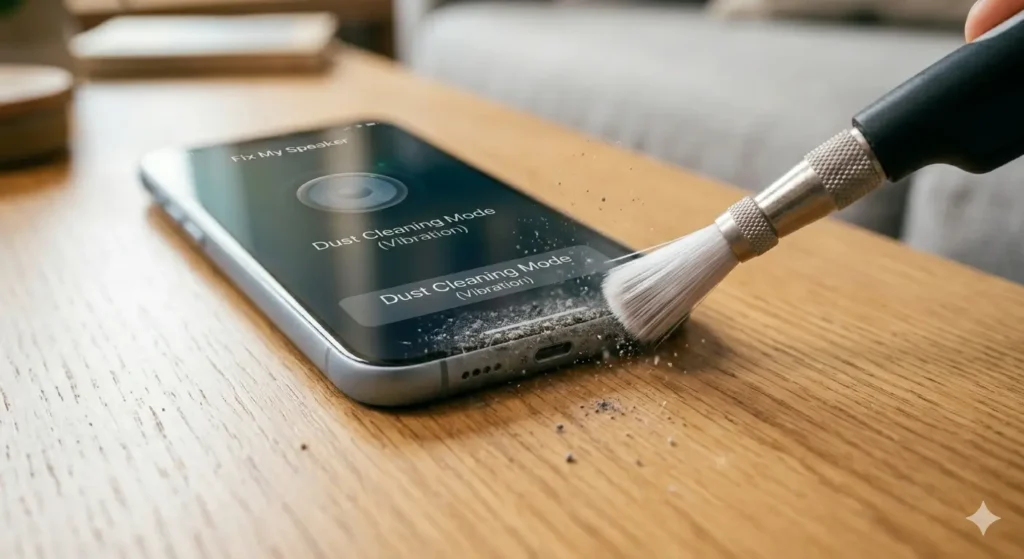
Fix:
Use a soft brush to gently clean the speaker grille. Or use the vibration mode on Fix My Speaker to shake loose particles out.
Earwax on Your Ear Speaker
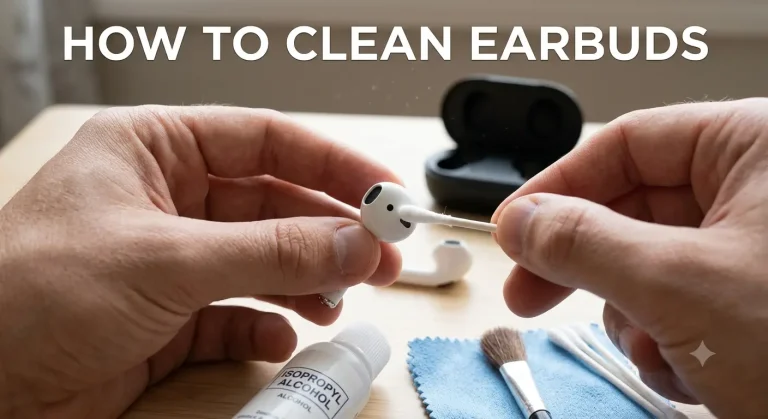
Think about how many phone calls you make every day. Your ear speaker sits directly against your ear each time. Earwax and skin oil transfer onto the speaker mesh slowly but steadily.
Just a thin layer of earwax buildup is enough to muffle call audio significantly. This is why your ear speaker sounds muffled during calls but your bottom speaker sounds fine.
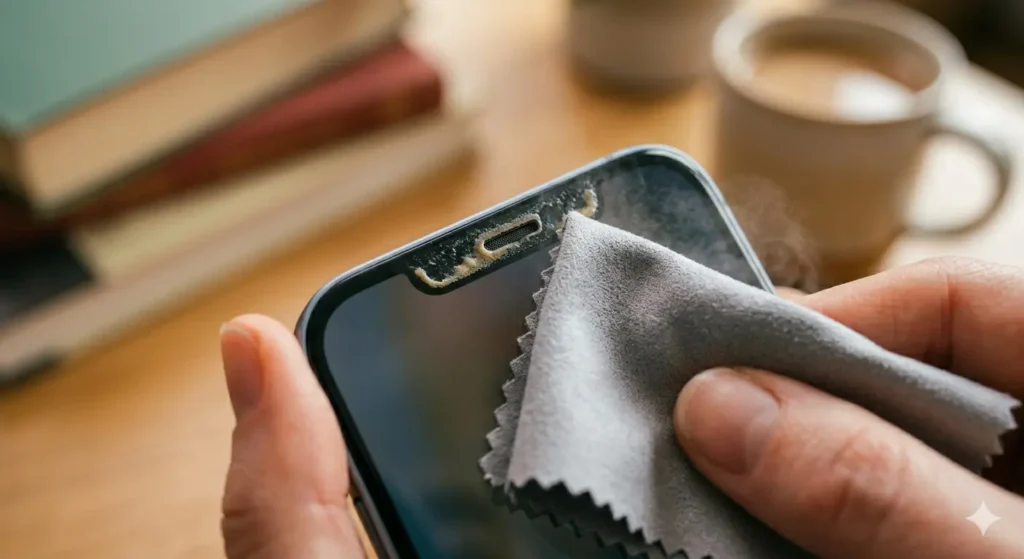
Fix:
Gently wipe the ear speaker with a dry microfiber cloth. For deeper cleaning use the sound frequency tool.
Debris and Pocket Lint Trapped Inside
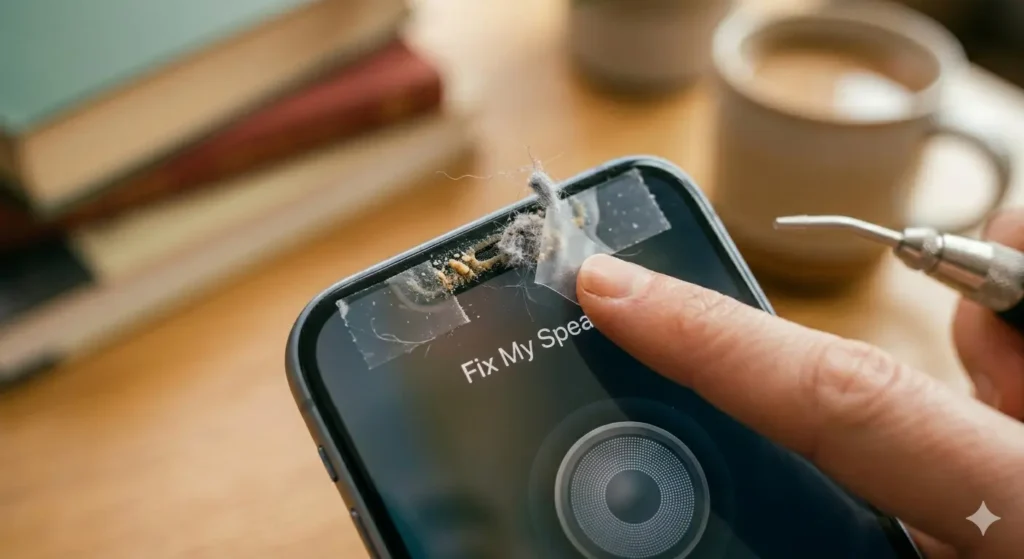
Pocket lint is sneaky. It’s small, soft, and gets into every opening on your phone. Over weeks and months it packs tightly into your speaker grill and acts like a soundproof wall.
Sand, food crumbs, and small particles do the same thing. This is especially common if you carry your phone without a case.
Fix:
Use adhesive tape pressed gently onto the speaker surface to pull out lint. Or use compressed air carefully to blow it out.
Blown or Damaged Speaker
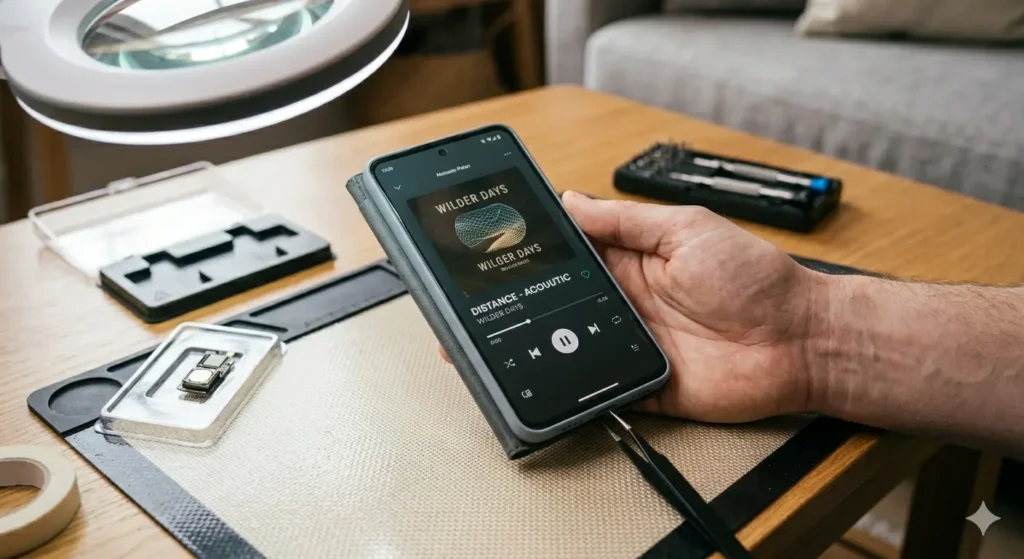
If you regularly play music at maximum volume for long periods, you risk damaging the speaker diaphragm. A blown speaker produces distorted, crackling, or muffled sound that no cleaning will fix.
Dropping your phone can also damage the speaker cone internally. If the muffled sound appeared immediately after a drop, this could be the cause.
Fix:
Unfortunately a blown speaker needs professional repair or replacement. No cleaning tool can fix physical hardware damage.
Wrong Audio or Equalizer Settings
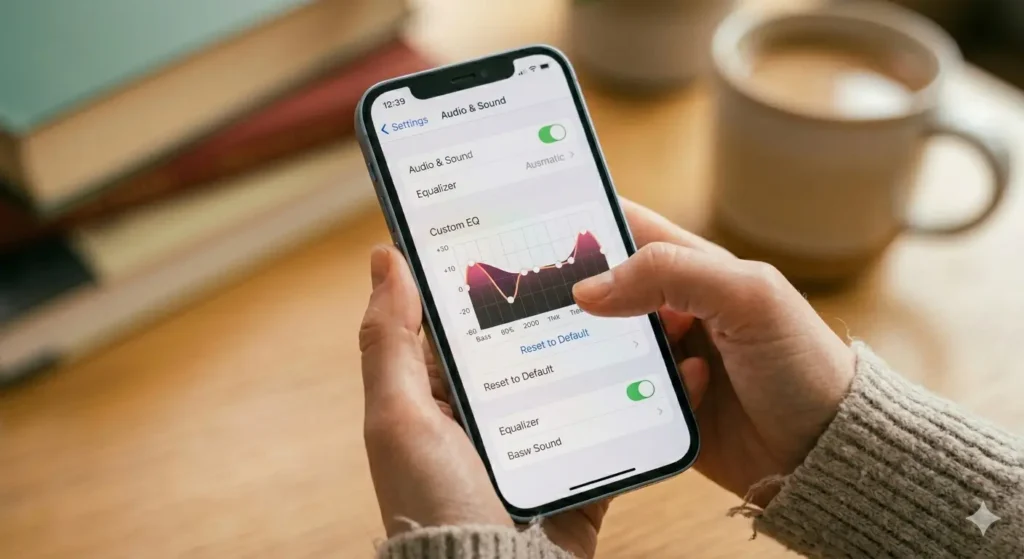
Sometimes the problem is not physical at all. Incorrect equalizer settings can make your speaker sound muffled even when nothing is wrong with the hardware.
Too much bass, wrong audio format, or a rogue app messing with sound settings can all cause muffled audio. This is easy to miss because everything looks fine on the outside.
Fix:
Go to your sound settings and reset the equalizer to default. Also try restarting your phone in safe mode to check if an app is causing the issue.
Software Glitch or Bug
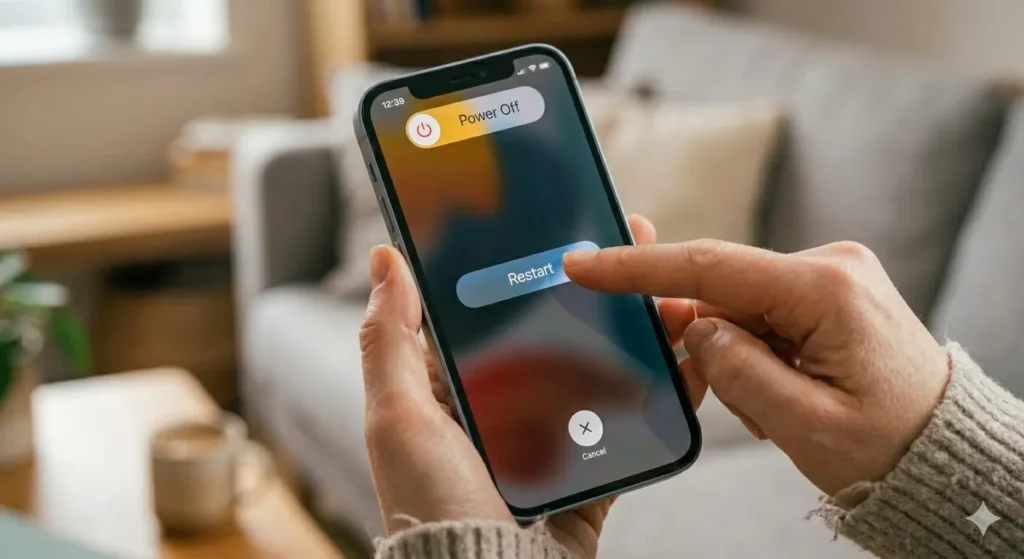
Your phone’s audio system runs on software. Sometimes a bad update or a stuck process causes distorted phone audio for no obvious reason.
This type of muffled sound usually appears suddenly after an app install or system update. It affects all audio equally — calls, music, videos.
Fix:
Restart your phone. If the problem goes away it was a software glitch. If it stays, the cause is physical.
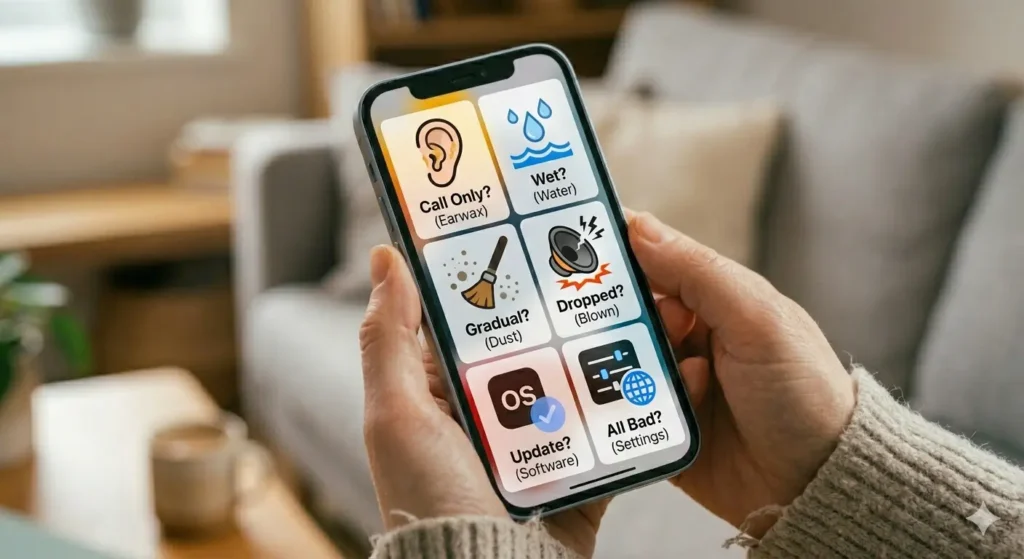
How to Tell Which Cause Is Your Problem?
- Muffled sound only during calls? → Earwax on ear speaker
- Muffled sound after getting wet? → Water damage
- Muffled sound that got worse gradually? → Dust or debris buildup
- Muffled sound after a drop? → Blown speaker or damaged diaphragm
- Muffled sound after an update? → Software glitch
- All audio sounds bad including headphones? → Equalizer or settings issue
The Fastest Fix for Muffled Phone Speaker
For water damage and dust — which cover 80% of muffled speaker cases — the fastest solution is using a sound frequency tool.
This Cleaner Tool uses a calibrated 165Hz frequency tone to vibrate your speaker diaphragm rapidly. This pushes water out and shakes loose dust particles without touching your phone physically.
It works on iPhone, Android, AirPods, Bluetooth speakers, and even laptops. No download needed. Completely free.
How to Prevent Muffled Speaker Sound in Future?
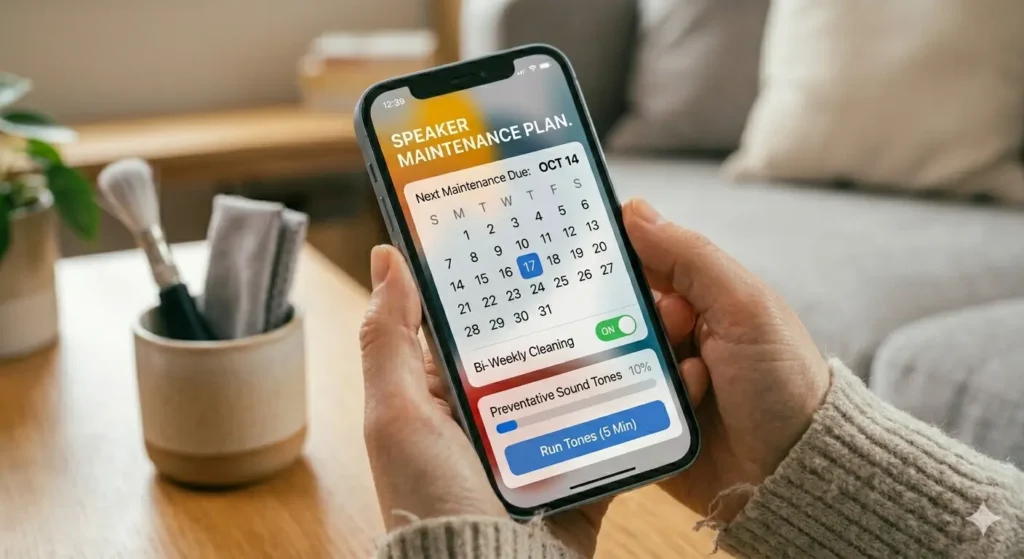
Prevention is always better than fixing. Here are simple habits that keep your speaker clear:
- Clean your speaker grille once every 2 weeks
- Keep your phone away from water, humidity, and swimming pools
- Use a phone case to block lint and debris
- Avoid playing audio at maximum volume for long periods
- Use sound cleaner tool for maintenance once every 2 weeks
Final Word
A muffled phone speaker is frustrating but almost always fixable. Water, dust, earwax, and debris cause the majority of cases. Software glitches and blown speakers cover the rest.
Start with the simplest fix first — use Fix My Speaker’s 165Hz tone to clear water and dust. It takes less than 2 minutes and fixes most muffled speaker problems instantly.
→ Fix your muffled speaker now — free, no download needed