How to Make Spotify Sound Louder (All Devices)
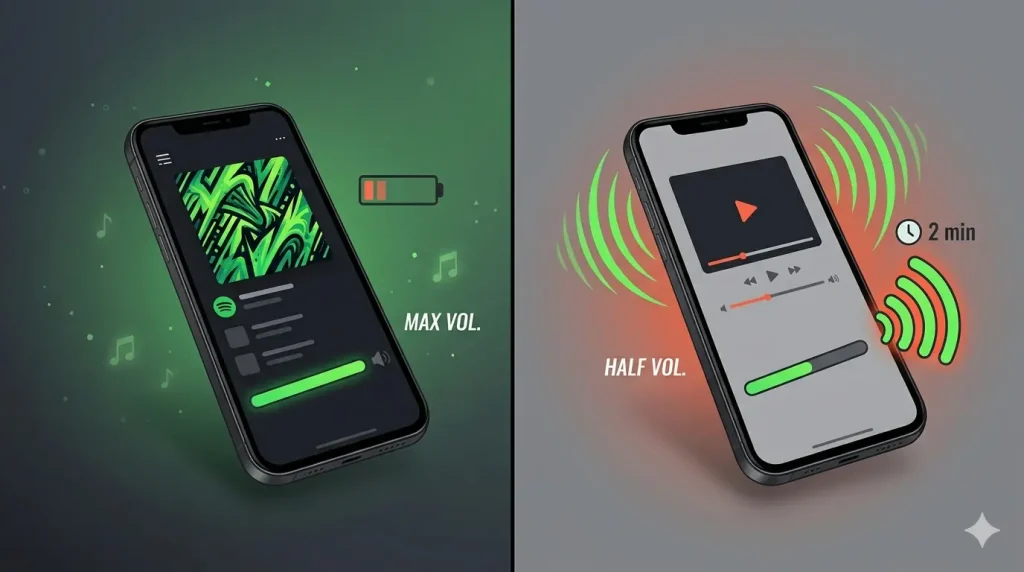
You crank the volume to maximum. Still sounds quiet. Meanwhile YouTube or your camera app blasts at half that level. Frustrating, right?
This happens to thousands of Spotify users every day. The good news — it is almost always fixable in under 2 minutes using settings already built into the app.
Why Does Spotify Sound Quieter Than Other Apps?
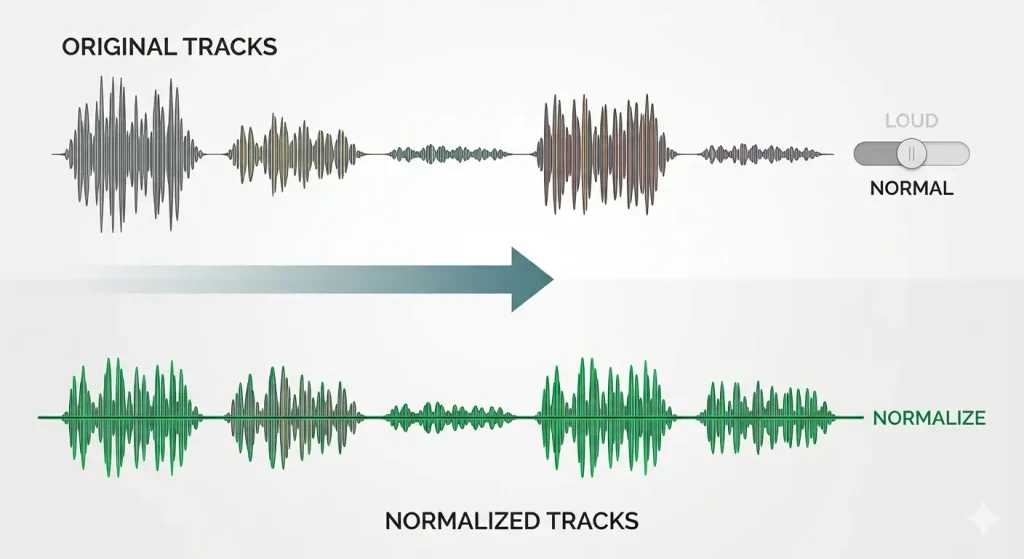
Spotify uses a feature called audio normalization that keeps all tracks at a consistent volume level — even if the original recording was mastered louder. This protects your ears from sudden volume jumps between songs but also caps how loud Spotify can get compared to apps without this feature.
On top of that, Spotify’s default Volume Level setting is set to Normal, not Loud — leaving extra volume on the table that most users never discover.
How to Make Spotify Sound Louder – Quick Fixes First
Check the In-App Volume Slider
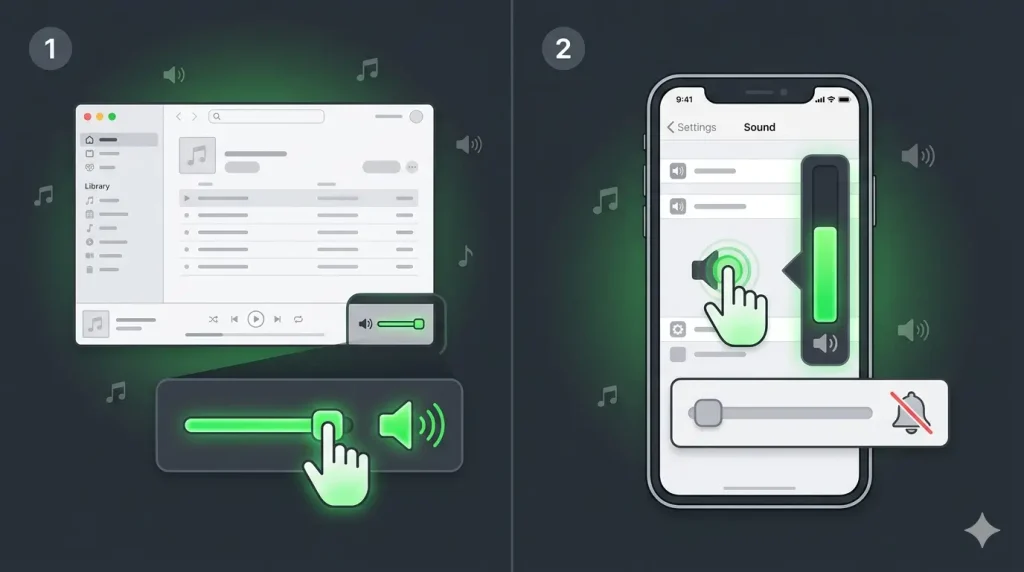
Open Spotify and play any song. On desktop, the volume slider sits in the bottom right corner. On mobile, tap the volume icon or use your phone’s physical buttons. Make sure this slider is pushed all the way up before trying anything else.
Check Your Device Volume
Your phone or computer’s system volume can silently cap Spotify’s output even with the in-app slider maxed. Check your phone’s media volume separately from ringtone volume, and confirm your computer’s system volume mixer is not limiting Spotify specifically.
How to Change Spotify Volume Level to Loud
This single setting makes the biggest difference for most users.
On iPhone and Android
Tap the settings gear icon, top right. Tap Playback. Under Volume Level, select Loud. Note — on mobile this feature requires a Spotify Premium subscription.
On Windows
Click the three dots, top left. Hover over Edit, then click Preferences. Under Audio Quality, find Volume Level and select Loud from the dropdown. No Premium required on desktop.
On Mac
Click Spotify in the menu bar, then Preferences. In the Audio Quality section, click the Volume Level dropdown and choose Loud. Like Windows, this works without Premium.
How to Use the Spotify Equalizer for Louder Sound
Best Equalizer Presets for Louder Music
Go to Settings → Playback → Equalizer on mobile. Choose the Bass Booster or Loud preset — these boost specific frequencies that make music feel noticeably louder without raising the actual volume level.
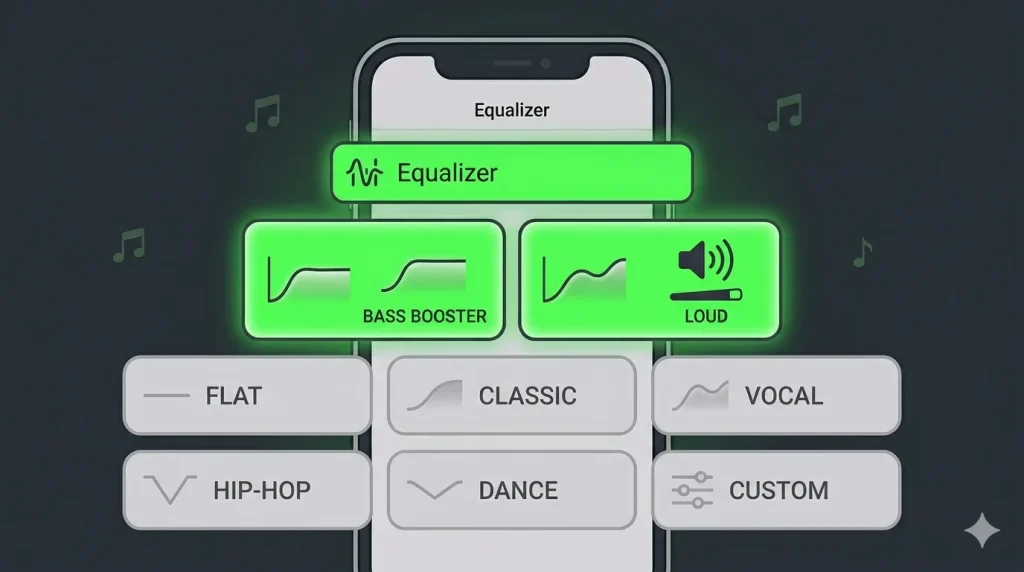
Manual Equalizer Adjustment
For finer control, select Custom in the equalizer menu and manually slide individual frequency bands upward. Boosting the bass and mid-range frequencies typically creates the biggest perceived volume increase. Note — the equalizer is only available on the mobile app, not desktop.
Turn Off Audio Normalization
Normalization keeps all songs at a similar volume — which can make individually loud tracks sound capped. Go to Settings → Playback and toggle off Normalize Volume. This lets naturally louder-mastered tracks play at their full original volume instead of being held back.
Select Higher Audio Quality Setting
Lower audio quality settings compress the sound, which can make music feel thinner and quieter. Go to Settings → Audio Quality and set both Wi-Fi and Cellular streaming quality to Very High. Higher quality audio carries more dynamic range, which often translates to a fuller, louder-feeling sound.
Activate Hardware Acceleration (Desktop)
On Windows and Mac desktop apps, go to Settings → Show Advanced Settings → scroll to Hardware Acceleration and toggle it on. This uses your computer’s dedicated audio hardware instead of software processing alone — occasionally resolving quiet or distorted playback issues that volume settings alone cannot fix.
Does Spotify Premium Make a Difference?
Yes, in one specific way. The Loud volume level option on mobile devices is locked behind a Premium subscription. Free users on mobile cannot access this setting. However, Windows and Mac desktop apps offer the Loud setting to all users regardless of subscription tier.
How to Make Spotify Louder on Gaming Consoles
PS4 and PS5
You cannot open the Spotify app directly to adjust its volume on PlayStation consoles. Instead, go to your console’s Sound Settings and adjust the overall system volume, since Spotify streams through the console’s default audio output without its own in-app controls here.
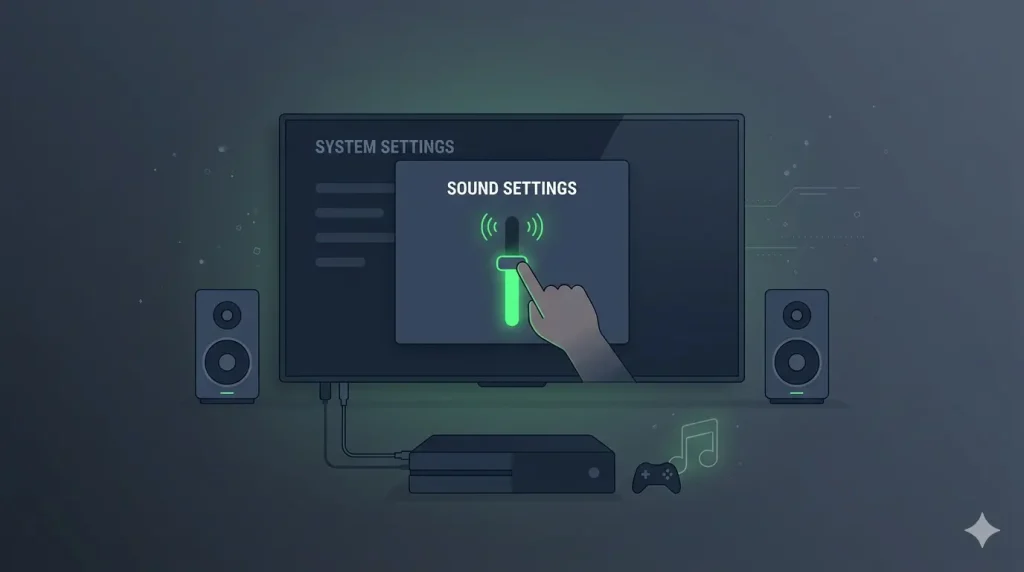
Xbox
Similarly on Xbox, Spotify volume is controlled through the console’s general audio settings rather than within the Spotify app itself. Adjust your Xbox system volume and connected speaker or headset volume for the best result.
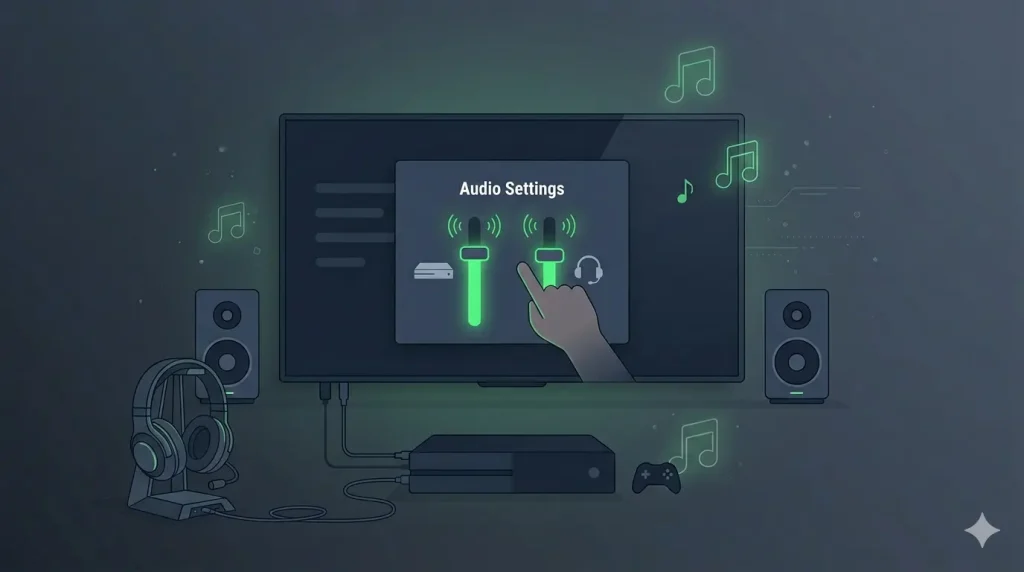
Spotify Web Player Volume Limitations
If you use Spotify through a browser instead of the desktop or mobile app, you will not have access to the Loud volume level setting at all. The web player only offers the standard browser volume control. For a genuinely louder experience, download the dedicated desktop or mobile app instead.
Is It Safe to Make Spotify Louder? Hearing Health Warning
Pushing volume higher feels great in the moment but carries real risk with prolonged exposure, especially through headphones or earbuds. Sustained loud listening can cause permanent hearing damage over time. Use the Loud setting and equalizer boosts thoughtfully — not as your default for every listening session.
Frequently Asked Questions
Final Word
A quiet Spotify experience is almost always a settings problem, not a hardware fault. Start with the Volume Level set to Loud, turn off normalization, and use the equalizer’s bass booster preset for an instant improvement.
If the problem turns out to be your actual phone speaker rather than the app, check whether your speaker sounds muffled or weak across all apps — that points to a hardware issue our free 165Hz Speaker Cleaner tool can help fix.