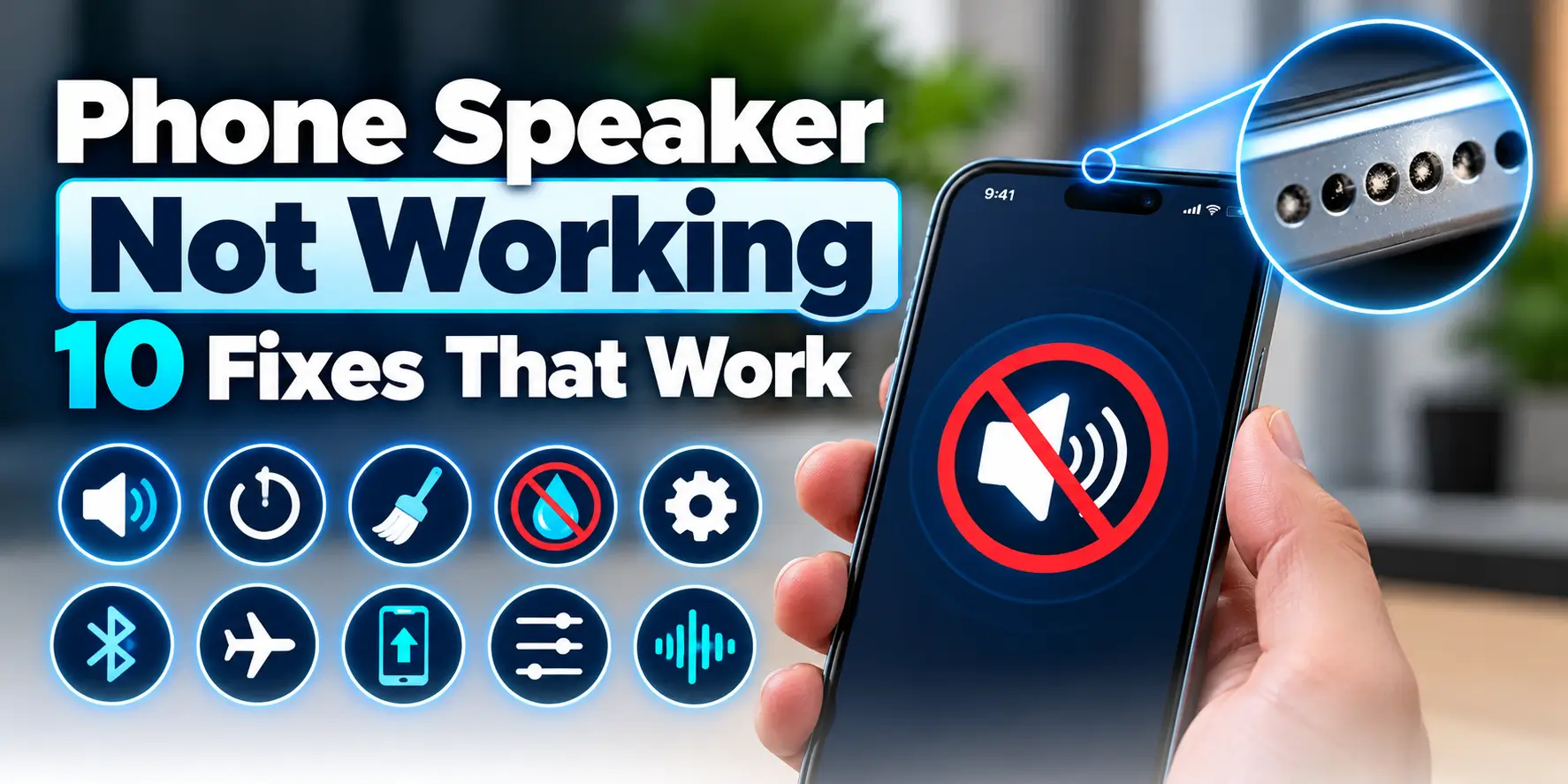
Phone Speaker Not Working? 10 Fixes That Work
If your phone speaker has gone quiet, take a breath before booking a repair. In my years on the repair bench, most speaker complaints turned out to be a muted slider, a Bluetooth ghost, pocket lint in the grille or a software glitch.
Here are ten fixes in the exact order I use them, from the easiest check to the final repair. Each has steps for Android and iPhone, plus signs that tell you whether it suits your problem. If dust is the cause, the free Fix My Speaker tool can help.
Which Fix Should You Try First?
Match your symptom to the most useful starting point. A silent phone and a speaker that sounds crackly do not necessarily have the same cause. Before troubleshooting,. Before troubleshooting, run a quick speaker test with a familiar song or saved video, then test a second app.
If only one app is silent, troubleshoot that app first. Also compare media playback with a normal phone call and a speakerphone call. Phones can have separate earpiece and loudspeaker components, so one working does not prove that every speaker is fine.
| Symptom | Most likely cause | Try these fixes in order |
|---|---|---|
| No sound at all | Muted volume, Do Not Disturb, sound sent to Bluetooth, software glitch | Fix 1, Fix 2, Fix 3, Fix 4, then Fix 7 and Fix 8 |
| Low or muffled sound | Dust or lint in the grille, a case or screen guard blocking the holes | Fix 5, Fix 6, then Fix 1 |
| Crackling or distorted sound | Dust or moisture on the speaker, an app problem, or a weak damaged speaker | Fix 5, Fix 7, Fix 8, then Fix 10 |
| Only calls are affected (cannot hear the caller or the ringtone is silent) | Call volume, Do Not Disturb, dirty earpiece slot, case or guard covering the earpiece | Fix 1, Fix 2, Fix 6, Fix 5, then Fix 10 |
| Sound works only with headphones | Phone thinks headphones are plugged in, lint in the charging port | Fix 3, Fix 4, Fix 5, Fix 9, then Fix 10 |
1- Check Volume Levels and Silent Mode
Press the volume button and open the full panel, because Android keeps separate sliders for media, ringtone, alarms and calls. Push every slider up. On iPhone, check the Ring/Silent switch and Settings, Sounds & Haptics. Newer iPhones may use the Action button for Silent Mode.
- Play a short video and press volume up until the slider is full.
- Open your sound settings and check each slider one by one.
- Turn off any media volume limiter if your phone has one.
- Record a short voice note and play it back to test the speaker.
This works when some sounds play and others do not, or when sound appears only at maximum volume. A muted speaker icon on the volume bar confirms it. Software updates sometimes reset sound levels too.
2- Turn Off Do Not Disturb
Swipe down to Quick Settings and switch off Do Not Disturb. On Samsung, also check Settings, Notifications, Do Not Disturb for schedules, since Sleep or Bedtime mode can stay on longer than expected. On iPhone, open Control Center and turn off any Focus.
- Check the small moon, minus or bell icon in the status bar.
- Open the schedule or routine and delete any timer you do not need.
- On iPhone, check Settings, Phone, Silence Unknown Callers.
- Make a test call to your phone from another number.
Choose this when media plays normally but calls, WhatsApp messages and alerts stay silent, or when the problem hits at the same hours every day. Do Not Disturb blocks alerts, not media, so if video sound is missing too, move to Fix 3.
3- Disconnect Bluetooth and Other Audio Outputs
Turn Bluetooth off completely from Quick Settings, because paired earbuds, a car system or a watch can quietly take your audio. On Samsung, set Media output to Phone. On iPhone, tap the AirPlay icon in Control Center and choose iPhone. Unplug any wired accessories too.
- Turn Bluetooth off from Quick Settings, not only the device.
- Check the media output selector and choose Phone.
- Unplug headphones, adapters and any USB-C audio accessories.
- Play a video again and listen for the speaker.
This works when volume bars look normal but nothing comes from the speaker, especially after leaving your car or removing earbuds. If the speaker returns the moment Bluetooth goes off, you solved it for free.
A phone that insists headphones are plugged in points to lint in the charging port, which I cover in Fix 5.
4- Your Phone Properly
Do a full restart, not just a screen lock. Hold the power or side key and tap Restart. On Samsung, hold the side key and volume down. On iPhone, use Settings, General, Shut Down, wait thirty seconds, then switch on. A frozen iPhone needs a force restart.
- Save your work and close any open calls.
- Restart the phone fully, then wait a minute for it to settle.
- Play a ringtone from the sound settings before opening any app.
- Test the speaker again with a video.
A restart works when the fault appeared suddenly with no drop or water, especially on phones left on for weeks. If sound returns but vanishes again within hours, treat the restart as a temporary patch and continue to Fix 7 and Fix 8.
5- Clean the Speaker with Fix My Speaker
Open our Fix My Speaker tool, place the phone speaker side down on a soft cloth, keep the volume moderate and run a full cycle. Repeat two or three times, never near your ear. Then brush the grille gently with a dry soft brush. Avoid pins, liquids and compressed air.
- Open the Fix My Speaker tool and run a full cleaning cycle with the phone face down.
- Repeat two or three times, then test with a voice recording.
- Switch off the phone and brush the grille gently with a dry soft brush.
- Check the charging port with a torch and lift out lint gently with a wooden toothpick.
Use this when sound is weak, muffled or tinny rather than gone, or after a light splash once the phone is dry outside. A cleaner cannot repair a torn cone or burnt coil.
If nothing improves after three rounds, dust is not your cause, so move on instead of repeating the step.
6- Remove the Case and Screen Protector Obstruction
Remove the case, wallet cover and magnetic mount, then test a video at medium volume. Check that your screen guard does not cover the earpiece slot. Try a call in normal mode and on speakerphone, because most phones use different speakers for each.
- Remove the case, wallet cover and any magnetic mount.
- Check that the screen guard does not cover the earpiece slot.
- Peel back dusty edges and wipe the area with a dry cloth.
- Test a call in normal mode and then on speakerphone.
This works when trouble began after a new cover or screen guard, when only the earpiece is affected, or when sound is clear but strangely quiet. Hold a finger near the holes while sound plays. A weak puff of air means something blocks the path.
7- Boot into Safe Mode to Find a Faulty App
On Samsung and Pixel, hold the power key, touch and hold Power off, then tap Safe mode. Keys differ on some Xiaomi, Realme and Oppo models. If sound works, restart and uninstall recent apps one by one. iPhone has no safe mode, so skip to Fix 8.
- Boot into safe mode using the power menu.
- Play a ringtone and a video and listen carefully.
- If sound works, restart normally to leave safe mode.
- Uninstall the newest apps one at a time and test after each one.
Safe mode helps when the problem began after installing a call recorder, equaliser, volume booster or cleaner app. Working sound there proves the hardware is healthy. If it stays silent even in safe mode, apps are not to blame.
8- Install the Latest Software Update
Connect to Wi-Fi, keep the phone above fifty percent charge and install any update. Samsung: Settings, Software update. Other Android: Settings, System, System update. iPhone: Settings, General, Software Update. Update the problem app too, and back up your data first.
- Connect to Wi-Fi and keep the phone charged.
- Check for a system update and install it.
- Update the problem app from the Play Store or App Store.
- Clear the app cache from Settings, Apps, the app, Storage, Clear cache.
Updates work when the fault began after a recent update or when others with the same model report it. If only one app is silent, updating or clearing that app is often enough. If you are already up to date, do not install unofficial versions.
9- Reset Settings or Factory Reset the Phone
Try Reset all settings first. Samsung: Settings, General management, Reset. iPhone: Settings, General, Transfer or Reset iPhone, Reset. If that fails, back up photos, contacts and WhatsApp chats, then factory reset. Test the speaker before restoring anything.
- Try Reset all settings first and test the speaker.
- Back up photos, contacts and WhatsApp chats.
- Run the factory reset and set the phone up as new.
- Test the speaker before restoring apps and data.
Use this after every earlier fix has failed and headphones work fine. If the speaker works on the clean phone, restore slowly and watch when sound breaks.
If it stays silent, software is innocent and the fault is hardware, which saves you guesswork at the repair shop.
10- Get the Speaker Professionally Repaired
Record a voice note and play it back. If it is silent or crackly, visit a trusted technician. Note which speaker fails and whether the phone was dropped or wet. On Samsung, run the Samsung Members speaker diagnostic, or dial *#0*# where supported. Ask for a written quote and warranty.
- Run the voice recorder test and note the exact symptom.
- Use the built-in diagnostics on your phone if it has them.
- Visit an authorised centre or a well reviewed local repair shop.
- Ask for the quote, the part type and the warranty in writing.
Repair is right when the speaker stays silent in safe mode and after a reset, or the fault began after a drop or water. Rattling, buzzing, crackling at every volume or cutting out also point to hardware.
Do not open the phone yourself, since the display cable and battery are easy to damage.
How Much Does Phone Speaker Repair Cost in India?
Prices vary by brand and shop, so treat figures as a rough guide. A simple cleaning often costs a few hundred rupees, while a speaker or earpiece replacement on a budget or mid-range Android phone typically runs from several hundred to a couple of thousand rupees. iPhones and premium phones cost more.
Ask for a quote before the phone is opened, ask whether the part is original or compatible, and request a warranty. Compare two shops if the quote feels high.
Simple Habits That Keep Your Speaker Healthy
Brush the grille monthly with a dry soft brush, keep the phone out of dusty bags and loose pockets, and never push pins into the holes. Avoid hours at maximum volume, and use a case with accurate cutouts.
If your phone gets wet, switch it off, do not charge it and skip the rice trick. Let it dry in open air and have it checked if sound does not return.
Final Thoughts
A silent speaker feels serious, yet the cause is usually small. Work through the ten fixes in order and stop the moment sound returns.
If it stays silent after every step, you have proved it is hardware. Start your next cleaning with the Fix My Speaker tool, then visit a technician with confidence.