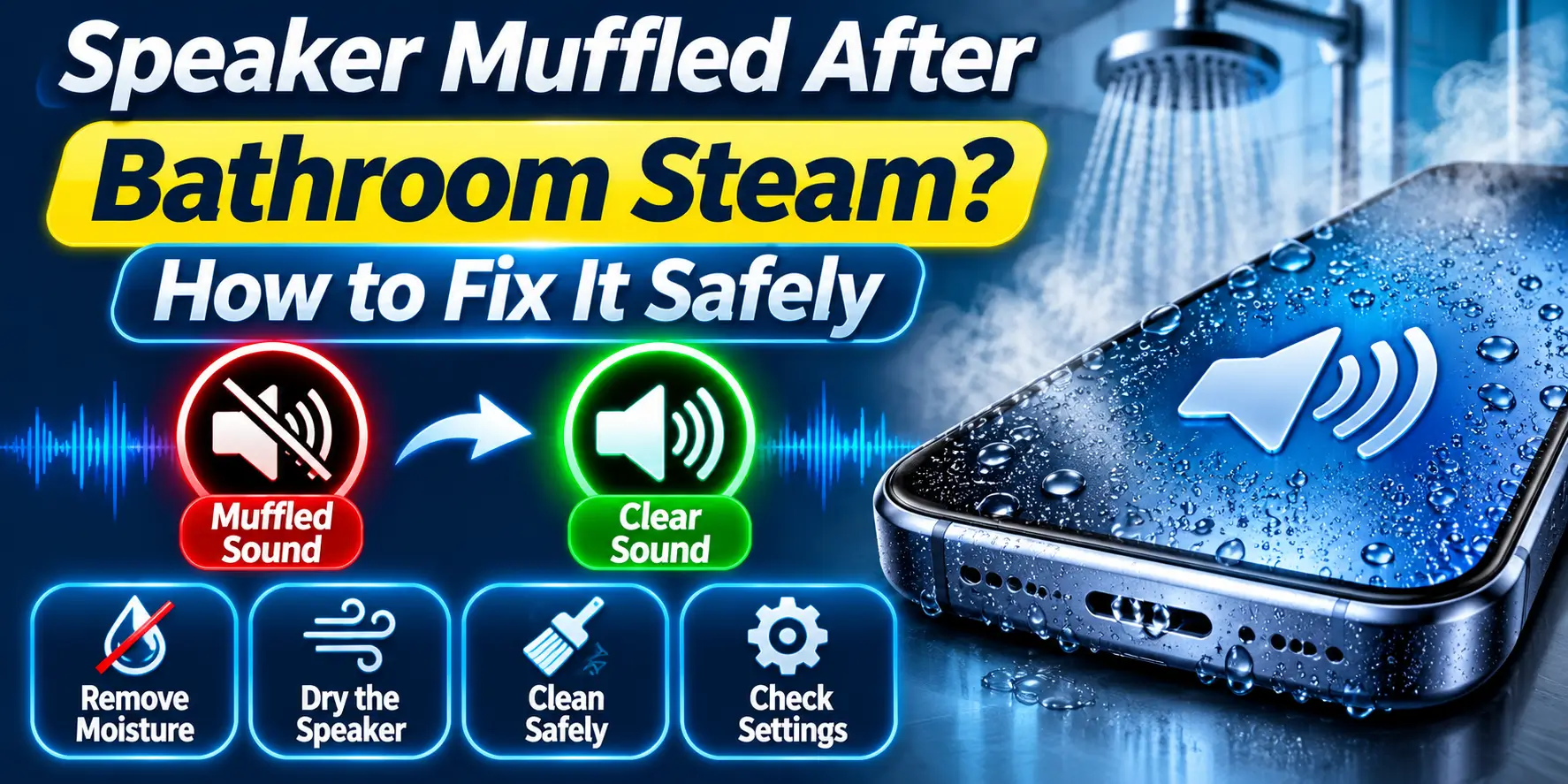
Speaker Muffled After Bathroom Steam? How to Fix It Safely
If your phone speaker sounds muffled after a hot shower or time in a steamy bathroom, do not panic. Steam can condense into tiny droplets around the speaker mesh and make the sound quiet, dull or slightly crackly. Remove the case, wipe the outside and move the phone to a dry room.
Once the phone is dry and safe to use, you can try Fix My Speaker to help clear moisture close to the speaker opening.
What to Do in the First Minute
- Take the phone out of the bathroom into a dry room with normal airflow.
- Stop any music or call, then power the phone off.
- Unplug any cable and take off the case.
- Wipe the screen, frame and speaker area with a dry microfiber cloth.
- Rest the phone speaker side down on a dry, lint-free cloth.
- Do not plug in the charger.
Do not move a damp phone straight under a cold AC blast. A fast swing from steam to cold air can turn trapped moisture into droplets, so pick a room at normal temperature.
Steam Moisture, Water Drop or Dust – Which Problem Do You Have?
| Problem | Symptom | Cause | Fix |
|---|---|---|---|
| Steam moisture | Dull or quiet sound, slight crackle, fog on the grille or camera after bathroom use | Fine condensation droplets on the speaker mesh | Air-dry, then run the sound cleaning tool |
| Water drop | Sudden muffled or dead sound after a splash or dip, sometimes a moisture alert | Liquid pushed into the grille or port | Dry fully, then follow a water-damage guide |
| Dust | Sound fades slowly over weeks, no link to the bathroom | Lint and dust packed in the mesh | Soft dry brush, then sound cleaning |
If the sound dropped right after a hot shower and slowly improves, steam is the likely cause. If your phone fell into water, read our guide on how to repair a water-damaged mobile.
Why Steam Muffles Your Speaker
Steam is invisible water vapour. When warm, wet air touches a cooler surface like your phone, it turns into droplets. This is called condensation.
Your speaker grille is a fine mesh with tiny holes. Droplets stick in those holes and block the air, so the speaker cannot push sound out freely. You hear dull, quiet or slightly crackly sound.
A phone dropped in water has far more liquid, and it can reach the port and the board. Steam sits mostly outside.
Does an IP Rating Protect Your Phone From Steam?
No. IP67 and IP68 ratings come from lab tests in still, fresh water at a set depth and time. They do not cover hot steam, heat or heavy humidity. Apple lists steam rooms and saunas among things to avoid with an iPhone.
Seals also weaken with age, drops and repairs. So no phone is steam proof. Treat the bathroom as a risk zone for every phone.
Fix 1: Let the Steam Dry Out
- Leave the phone speaker side down in a dry, airy room for 30 to 60 minutes.
- Place a fan nearby on a cool setting.
- Keep the case off while the phone dries.
- Play a short voice clip at a comfortable volume and listen.
Light steam often clears in one to three hours. After a long shower or a very humid monsoon day, give the phone more time. Do not expect one fixed drying time for every phone.
Fix 2: Check Settings and Gently Clear the Grille
Menu names differ by brand. On iPhone, use Settings > Sounds & Haptics. On Samsung Galaxy, open Settings > Sounds and vibration > Volume. On Redmi, Vivo, Oppo and Realme, look for Settings > Sound & vibration.
- Turn Bluetooth off so the sound is not going to a hidden earbud or speaker.
- Raise the media volume and the call volume separately, then replay the voice clip.
- Press a dry microfiber cloth against the grille for 20 seconds to wick out moisture.
- Brush the grille lightly with a soft, dry brush, using outward strokes only.
- Restart the phone. A restart can rule out a temporary audio-routing or software problem.
Do not try to speed things up with a hair dryer, room heater or oven. Samsung warns against heat and compressed air after liquid exposure, and Apple advises against external heat and compressed air for a wet iPhone. If crackling stays after the phone is fully dry, read why your phone speaker is crackling.
Fix 3: Use Fix My Speaker After the Phone Is Safe
Use the tool only when the outside of the phone is dry and has rested for at least an hour. Sound vibrations can help move tiny droplets out of the mesh.
- Disconnect Bluetooth and remove the case.
- Open the Fix My Speaker homepage in your browser.
- Set the phone volume to a moderate level, about halfway.
- Hold the phone with the speaker facing down and well away from your face and ears.
- Start the tool and let it run for about 30 seconds.
- Wipe the grille with a dry cloth, then play your voice clip.
- Repeat up to three rounds, and stop if the sound gets harsher or the phone feels warm.
After more drying time, play the same audio again. Gradual improvement suggests moisture near the opening is clearing. If there is no change at all after the phone has fully dried, the cause may be dust, a blocked grille or hardware damage.
When Fix My Speaker Will Not Work
The tool plays sound, nothing more. It cannot dry the inside of a phone, remove corrosion or repair a damaged speaker.
- The sound is still muffled one to two days after drying.
- A moisture or liquid warning shows on the screen.
- The phone will not charge, or charges slowly.
- The camera lens looks foggy.
- The phone gets hot or restarts by itself.
If three rounds change nothing, stop. Repeating sounds will not fix hardware. See a technician if you notice any of these signs.
What Not to Do With a Steamed Phone
- Do not charge a damp phone or ignore a moisture warning.
- Do not use a hair dryer or heater.
- Do not put the phone in rice or an oven. Apple warns that rice particles can damage an iPhone.
- Do not poke the grille with pins or needles.
- Do not use compressed air.
- Do not play sound at full volume to force moisture out.
- Never hold the phone near your ear while the tool plays.
These rules apply to every brand. Heat and air pressure can push moisture deeper and damage seals and small parts.
How Long to Wait Before Using or Charging Your Phone
| Action | Wait time |
|---|---|
| Use the Fix My Speaker tool | At least 1 hour of air-drying |
| Charge with a cable | At least 5 hours (Apple’s advice for wet iPhones, a safe rule for Android too) |
| After a moisture or liquid warning | Until the warning clears, which can take up to 24 hours |
| Wireless charging | Only when the phone is dry on the outside |
On iPhone, a “Liquid Detected” alert means you should unplug and let it dry. Apple says to wait at least 30 minutes before trying again, and full drying can take up to 24 hours.
On Samsung Galaxy, a “Moisture detected” message means you should unplug and wait until the port is dry. If your phone displays a moisture warning, follow it instead of trying to override it.
Repair Cost in India and When to Visit a Service Centre
If the sound stays muffled one to two days after drying, visit a technician. Authorised service centres use genuine parts and give a clear quote. A trusted local shop can cost less.
| Repair | Typical cost in India |
|---|---|
| Speaker or earpiece cleaning | Rs 300 to Rs 800 |
| Loudspeaker or earpiece replacement (Android) | Rs 500 to Rs 2,500 |
| Loudspeaker or earpiece replacement (iPhone) | Rs 2,000 to Rs 6,000 |
| Charging port repair | Rs 500 to Rs 2,500 |
| Moisture damage on the motherboard | Rs 2,500 to Rs 10,000 or more |
These are typical ranges. Prices change with phone model, city and part quality. Ask for a written quote before you agree to any repair. Steam damage is often not covered by warranty, as Apple lists steam rooms among things to avoid and says liquid damage is not covered.
Simple Habits to Protect Your Phone in the Bathroom
- Keep your phone outside the bathroom during hot geyser showers, especially in a small closed room.
- Play music from a Bluetooth speaker placed away from the shower instead of your phone.
- Take calls outside, not inside a steamy bathroom.
- Open the door or run the exhaust fan before and after your shower.
- Do not carry a phone straight from a cold AC room into a hot, steamy bathroom.
- During monsoon, keep your phone away from damp walls and window ledges.
Frequently Asked Questions
Final Thoughts
Steam rarely kills a phone speaker. Dry the phone, wait, and never charge it early. Most muffled speakers recover with simple airflow and patience.
If the sound stays dull once the phone is dry, try the free Fix My Speaker tool. If nothing improves in a day or two, book a technician.