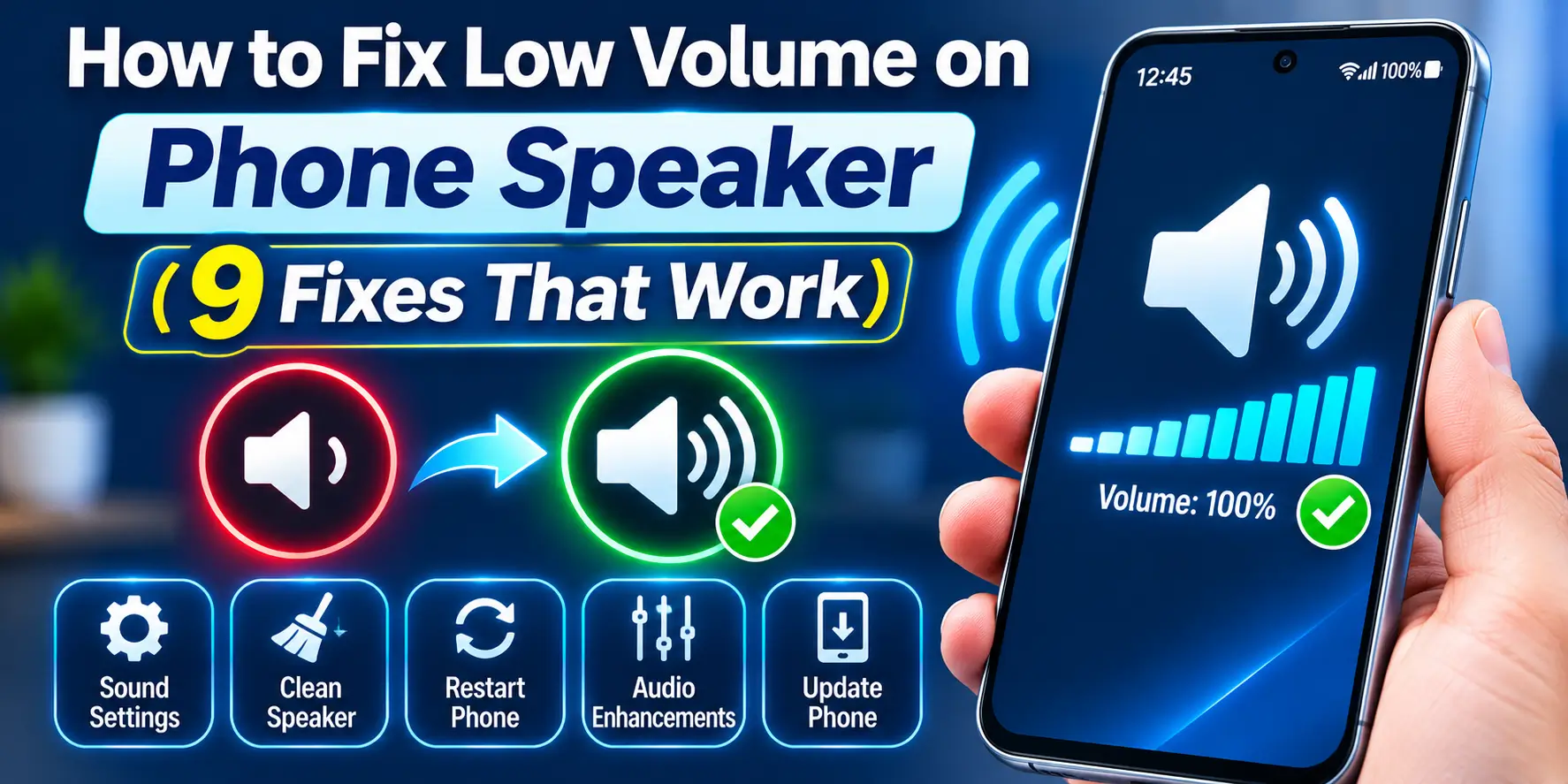
How to Fix Low Volume on Phone Speaker (9 Fixes That Work)
Low phone speaker volume usually comes from a low media slider, a blocked grille, or a case covering the holes. Raise the media volume, remove the case, then clear the dust from the grille.
These fixes work across popular phones such as Redmi, Samsung Galaxy, Vivo, OPPO, Realme, Pixel, and iPhone. If the sound is muffled after light dust or moisture exposure, you can also try the free Fix My Speaker tool, which plays cleaning tones through the device speaker.
Low Phone Volume: Cause and Fix at a Glance
Match your symptom to the table, then jump to that fix. Quiet but clear sound points to settings. Quiet and muffled sound points to dust or a blocked grille.
| Symptom | Likely cause | Go to |
|---|---|---|
| Quiet but clear sound | Low slider, volume limit, sound effects | Fix 1, Fix 6 |
| Quiet and muffled | Dust, lint, case or screen guard | Fix 3, 4, 5 |
| Sound plays elsewhere | Bluetooth or cast device | Fix 2 |
| Quiet only in calls | Blocked earpiece, low call volume | Fix 7 |
| Quiet after an update or app | Software glitch | Fix 8, 9 |
| Quiet with buzzing or crackle | Damaged speaker, moisture | When the tool will not work |
Fix 1: Raise the Right Volume Slider
Phones keep separate sliders for media, calls, ringtone and alarms. Many people raise one slider and then wonder why videos stay quiet. Always test with a video playing.
- Play a video and press Volume Up until the media slider reaches the top.
- Samsung: open Settings, tap Sounds and vibration, tap Volume, then drag Media to maximum.
- Redmi, Xiaomi and Pixel: open Settings, tap Sound and vibration, then drag the Media slider up.
- iPhone: open Control Center and drag the volume slider up while media plays.
- iPhone ringtone: open Settings, tap Sounds and Haptics, then drag the Ringtone and Alerts slider.
Fix 2: Disconnect Bluetooth and Casting
Your phone may be sending sound to earbuds, a car system or a speaker in another room. The phone speaker then looks silent even though the volume is fine.
- Swipe down and turn Bluetooth off.
- Android: open the media output button in the volume panel, then choose Phone speaker.
- iPhone: open Control Center, tap the AirPlay icon, then choose iPhone.
- Play the same audio again and check whether the volume returns.
Fix 3: Remove the Case and Screen Guard
On the bench, thick cases with poor cutouts and cheap tempered glass with a badly cut earpiece slot are a common find. Even a half covered opening cuts volume noticeably.
- Take off the case.
- Play a video at medium volume and listen.
- Check whether the screen guard covers the earpiece slot at the top.
- If it does, replace the guard with one that has a clear cutout.
Fix 4: Run the Fix My Speaker Tool
Dust, pocket lint and monsoon humidity pack into the speaker mesh over months. The Fix My Speaker tool plays cleaning tones that shake loose light dust and push out surface moisture. It does not physically repair damaged hardware.
- Disconnect Bluetooth and headphones.
- Set your phone volume to a moderate level, not maximum.
- Hold the phone at arm’s length with the speaker facing away from you.
- Run the tool for the full cycle, then play a video to check.
Never hold the phone near your ear while the tool runs. The tones can be loud and uncomfortable. If the phone has serious liquid exposure, corrosion, or a damaged speaker, skip repeated cleaning cycles and arrange inspection.
Fix 5: Clean the Grille by Hand
If the tool helps only a little, the lint is probably packed tight. A careful dry clean removes it without touching the speaker cone. Apple recommends a small, clean, dry, soft-bristled brush for blocked speaker openings.
- Switch the phone off.
- Brush the grille sideways with a clean, dry, soft toothbrush.
- Press a small roll of sticky tape or Blu Tack lightly on the grille, then lift.
- Repeat on the earpiece slot at the top, then switch on and test.
Never use pins, needles, a SIM tool, or a toothpick. Pins tear the cone, and compressed air drives dust deeper. Apple warns against compressed air for iPhone cleaning. If the sound stays dull, read why a speaker sounds muffled.
Fix 6: Turn Off Volume Limits and Sound Effects
Some settings reduce loudness or reshape the sound. Test each one on and off, because effects behave differently on every phone.
- Samsung: open Settings, Sounds and vibration, Volume, tap the three dots, then Media volume limit, and switch it off or raise it.
- Samsung: open Settings, Sounds and vibration, Sound quality and effects, then switch off Adapt Sound.
- Redmi and Xiaomi: open Settings, Sound and vibration, then test Dolby Atmos on and off if your model shows it.
- iPhone: open Settings, Music (or Apps, then Music), tap EQ, and choose Late Night.
Samsung’s limiter mainly targets headphones and Bluetooth, so it will not fix every case. Late Night affects the Music app only and makes quiet parts louder. Also check the Built-In Speaker Volume Limit under Settings, then Sounds and Haptics, on supported iPhones.
Fix 7: Fix Low Call Volume
Calls use the small earpiece at the top, not the loudspeaker at the bottom. It clogs easily with dust and skin oil, and a screen guard can cover it.
- During a call, press Volume Up to the maximum.
- Peel back the screen guard near the earpiece to test.
- Brush the top slot gently, as shown in Fix 5.
- Tap Speaker during a call. If it is loud, only the earpiece is weak.
Fix 8: Restart, Update and Test in Safe Mode
A restart clears audio glitches that build up over weeks. Phone makers also fix audio bugs in updates, so install any update that is waiting. It is especially useful when the speaker was normal earlier and suddenly became quiet.
- Restart the phone and test the volume.
- Samsung: open Settings, Software update, then Download and install.
- Redmi and Xiaomi: open Settings, About phone, then tap the version number to check for updates.
- iPhone: open Settings, General, then Software Update.
- Android: press and hold the power button, then press and hold Power off, and tap Safe mode.
If volume returns in Safe mode, a third party app is the cause. Remove recent equalizer or booster apps, because boosters push the speaker past safe limits and can damage the cone.
Fix 9: Reset All Settings
This is the last software step. It resets system settings but keeps your photos, apps and files. A full factory reset rarely fixes a speaker, so it is not suggested for low volume.
- Samsung: open Settings, General management, Reset, then Reset settings.
- iPhone: open Settings, General, Transfer or Reset iPhone, Reset, then Reset All Settings.
- Test the volume before you change anything else.
When the Fix My Speaker Tool Will Not Work
The tool clears dust and light moisture. It cannot repair broken parts, and it is better to say that now than waste your time. It cannot repair a torn speaker membrane, blown voice coil, damaged amplifier, loose internal connection, or corrosion. It also cannot reverse physical damage caused by a drop.
- A torn or dented speaker cone, often with rattling or buzzing
- Corrosion from water or heavy monsoon humidity, often with green or white residue
- A loose connector or failed audio chip after a drop
- A burnt speaker coil, which usually means no sound at all
Crackling even at low volume is a strong warning sign, so see why a phone speaker crackles. If nothing improves after cleaning, or the speaker is dead while earphones work, stop playing loud sound. Extra volume can make the damage worse.
Phone Speaker Repair Cost in India
There is no fixed India-wide price. Model, city, part quality, and fault type change the bill. The ranges below are typical planning ranges for budget and mid range phones like Redmi, Realme, Vivo and Oppo, so ask for a written quote first.
| Repair | Typical planning range |
|---|---|
| Professional grille cleaning | ₹100 to ₹500 |
| Earpiece replacement | ₹500 to ₹1,000 |
| Loudspeaker replacement | ₹500 to ₹2,500 |
| Water damage cleaning | ₹500 to ₹2,000 |
| iPhone speaker or earpiece | About ₹1,000 to ₹3,000+ |
| Audio IC or board fault | Often ₹1,200 to ₹3,500+ |
Ask the technician to test a new speaker before a costly board repair. A speaker swap fixes most weak loudspeaker cases at the lowest price. Premium phones can cost more than the ranges above.
Simple Habits to Keep Volume Healthy
Small habits protect your speaker from dust and heat. Indian dust and summer pockets are tough on the grille, so a little care goes a long way.
- Brush the grille dry once a month
- Use a case with wide speaker cutouts
- Keep volume at moderate levels most of the day
- Dry your phone fully after rain or sweat
- Avoid volume booster apps
Final Thoughts
Most weak phone speakers are not broken. A wrong slider, a blocked grille or a tight case causes the problem far more often than a failed part.
Start with Fix 1 and work down in order. If the sound still does not return, visit a trusted technician rather than pushing the volume higher.