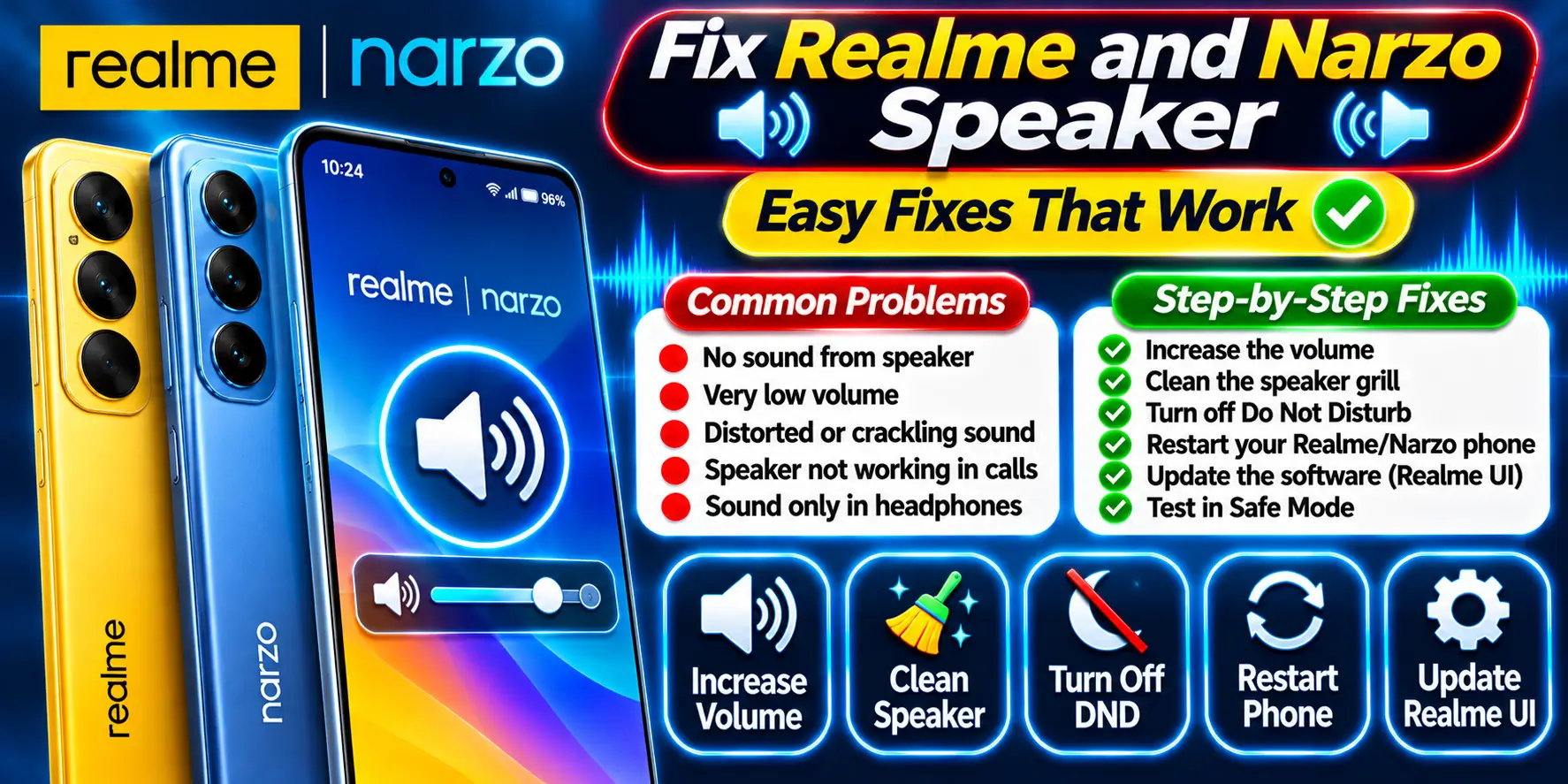
Realme or Narzo speaker weak, muffled or crackly? Take off the case, brush the bottom grille gently with a dry soft brush, and check your Media volume slider. Most cases I see are dust or settings, not a dead speaker.
Still dull? Run the free Fix My Speaker tool on your phone. It plays sound tones that help loosen light dust and damp, with no app to install. Try it now, then read on for fixes by problem.
Common Realme and Narzo Speaker Problems at a Glance
| Problem | Likely cause | Best first fix |
|---|---|---|
| Low volume | Lint in the grille, wrong slider, thick case | Brush the grille, check the Media slider |
| Muffled sound | Dust or monsoon dampness | Dry brush, then run the tool |
| Weak earpiece on calls | Screen guard or dust over the earpiece slot | Remove the guard, clean the slot |
| Crackling | High volume, dirt or a damaged cone | Lower the volume, test another app |
| Water in speaker | Rain, wet hands, bathroom steam | Wipe, face down, dry before charging |
| No sound at all | Do Not Disturb, Bluetooth or a software fault | Check Do Not Disturb, restart |
Which Realme and Narzo Phones Have Stereo or Single Speakers
Do not assume every Realme or Narzo phone has the same speaker layout. Realme uses both single and stereo speaker designs. The Realme C75 has a single downward-firing speaker, while the Realme P3 Pro 5G, Realme 14 5G, Narzo 70 5G and Narzo 70x 5G use dual stereo speakers.
| Line | Verified example | Speaker type | Common issue |
|---|---|---|---|
| C Series | Realme C75 | Single downward-firing | Dust blocking bottom grille |
| Number Series | Realme 14 5G | Dual stereo | Uneven output or blockage |
| P Series | Realme P3 Pro 5G | Dual stereo | Dust, moisture or routing |
| GT Series | Realme GT 7 | Dual stereo | Distortion or blocked grille |
| Narzo Series | Narzo 70 5G / 70x 5G | Dual stereo | Blocked grille or uneven output |
Many budget models use one bottom speaker, so one blocked grille hurts a lot. On stereo phones like the Realme 14 Pro+ and GT 7, the second speaker sits behind the earpiece slot, so keep that slot clean too. Realme advertises Ultra Volume up to 400% on newer phones like the 15x, for speaker playback, not calls.
Fix 1: Check Volume, Modes and Restart
These take two minutes and solve many silent-speaker scares. Realme separates media, ringtone and alarm volume, so changing the wrong slider can make a working speaker appear faulty.
- Play a video, press the volume key and drag the Media slider up. You can also use Settings > Sound & vibration > Volume.
- Open Settings > Sound & vibration > Volume button function and pick Media volume. On Realme UI 5.0 and older, it sits under Advanced settings or More inside Sound & vibration.
- Switch off Do Not Disturb at Settings > Sound & vibration > Do Not Disturb.
- Turn off Bluetooth, because sound may still be going to earbuds or a car.
- If your phone has Dolby Atmos, open Settings > Sound & vibration > Dolby Atmos and test the Music profile. Not every model has it.
- Restart the phone, then test with a video and a ringtone.
Fix 2: Clean the Grille and Remove Blockers
Budget Realme C series phones that live in pockets often have lint packed into the bottom grille. A Narzo with a thick case in a dusty work area tells the same story. A screen guard over the earpiece slot is another usual culprit.
- Remove the case and screen guard, then test the sound.
- Hold the phone with the speaker facing down.
- Brush the grille with a clean, dry, soft brush using light outward strokes.
- Tap the phone gently on your palm to drop loose dust.
- Test again at a moderate volume.
Never use pins, needles or compressed air. A pin tears the mesh, and air pressure can push dust deeper. If sound stays dull, read why a speaker sounds muffled.
Fix 3: Use Fix My Speaker on a Realme or Narzo Phone
Fix My Speaker runs in your phone browser. Its tones make the speaker cone vibrate, which can loosen light dust and damp. It helps with blockage, not with broken parts.
- Open Fix My Speaker in Chrome.
- Remove the case and disconnect Bluetooth and earphones.
- Set a moderate volume and keep the phone away from your ear.
- Hold the phone speaker side down and start the tool.
- Let the full cycle finish, then play a song to compare.
- Repeat up to three times, with a short break between runs.
Some newer models also have a built-in option. Realme lists it at Settings > realme Lab > Eject water from speaker for the 14 Pro and 14 Pro+, and shows the feature on the 14x and C75. Turn it on, then shake the phone gently.
Fix 4: Fix a Weak Earpiece During Calls
- Remove the case, screen guard and any sticker over the earpiece slot.
- Make a call and tap Speaker. If speakerphone is loud but the earpiece is weak, the earpiece is the problem.
- Brush the earpiece slot at the top gently with a dry soft brush.
- During a call, press the volume up key to raise call volume.
- On Realme UI 3.0 and above, open Phone Manager, tap Tool or the three dots, choose Diagnostics and run the Audio test.
- Call another number or try another SIM to rule out the network.
If the earpiece stays weak after cleaning, the receiver may have failed and needs a service centre.
Fix 5: Software Fixes, Safe Mode and Reset
- Update at Settings > System & updates > Software update on Realme UI 6.0 and 7.0. On Realme UI 5.0 and older, open Settings > About phone and tap the realme UI banner.
- Hold the power button, long press Power off, then tap OK to reboot into safe mode. Some newer models differ, so skip this step if the prompt does not appear.
- Test the speaker in safe mode. If it works, remove recent apps such as volume boosters, one by one.
- Restart the phone to leave safe mode.
- Back up first, then use Settings > System & updates > Backup & reset > Reset phone > Reset all settings. On Realme UI 5.0 and older, look under System or Additional settings > Back up and reset.
Safe Mode disables third-party apps. If the speaker works there, a recently installed app is a stronger suspect. You can also enter safe mode the other way: power off the phone, turn it on and hold Volume Down when the Realme logo appears.
Wet Speaker After Rain, Splash or Steam
Monsoon rain, wet hands and bathroom steam are the usual causes I see. Wipe the phone, hold it speaker down and wait before charging. Realme advises against charging a phone in a humid state.
Many Realme and Narzo phones are only splash resistant. The Narzo N65 and Realme C65 5G are IP54, so rain can get in. Even IP68 phones lose sealing with age, and warranty does not cover liquid damage. Ratings vary by exact model, so check yours before trusting it near water.
Skip rice and hairdryers. Leave the phone in a dry, airy spot, then run the tool. If it went fully under water, follow our guide to repairing a water-damaged mobile.
When Fix My Speaker Will Not Work
A sound tool cannot repair parts. It will not help with a torn cone, a burnt voice coil or a corroded connector. Those need a technician. Watch for these signs:
- No sound in any app, even in safe mode
- Rattling or crackling at every volume after a drop
- Green or white residue near the grille or charging port
- No improvement after three tool runs
Salt water and sugary drinks leave residue that keeps corroding the board, so switch the phone off and go to a service centre.
Repair Cost in India and Realme Service Centres
| Service | Cost |
|---|---|
| Estimate only, no repair | Rs 100 plus GST |
| Clean and adjust, or software service | Rs 150 plus GST |
| Labour when a part is replaced | Rs 350 plus GST |
| Speaker part, older Realme models | About Rs 200 to Rs 300 |
| Typical speaker swap, older models | About Rs 550 to Rs 650 plus GST |
Labour figures are the out-of-warranty charges on Realme’s India support site. Part prices vary by model, and newer stereo phones may cost more, so get a written quote first.
Find an authorised centre through the service centre locator on realme.com/in or the Realme Care app, or call 1800 102 2777. Realme’s service network has been changing in 2026, so confirm the address and timings first. Carry your bill and back up your data.
Simple Habits for Dusty, Humid Conditions
- Remove the case every two weeks and wipe the phone.
- Brush the grille and earpiece slot once a month.
- Use a pouch in dust or sand, and pick cases with proper speaker cutouts.
- Dry the phone fully after monsoon rain before you charge it.
- Keep volume moderate and avoid long sessions on Ultra Volume.
Frequently Asked Questions
How to remove water from Realme speaker?
Dry the outside, point the speaker downward and do not charge the phone while it is wet. If sound is still present but muffled, Fix My Speaker may help move loose water from the speaker opening. Heavy or contaminated liquid exposure needs professional inspection.
Why is my Narzo speaker volume so low?
Check media volume, Bluetooth, Do Not Disturb and the speaker grille first. Dust and lint can block the grille, while Bluetooth can route sound away from the phone.
Why is my Realme earpiece sound low?
Check call volume and inspect the top earpiece opening. A screen protector covering the receiver or accumulated lint can reduce call clarity.
Can Fix My Speaker clean a Realme or Narzo speaker?
It can help with muffled sound caused by moisture or some debris by playing sound through the phone speaker. It cannot repair a torn diaphragm, failed speaker, a broken connector or corrosion.
Why is my Realme speaker crackling?
Crackling can come from moisture, debris, excessive volume or a damaged speaker. Test at moderate volume after the phone is dry. If it continues, especially after a drop or liquid exposure, get the speaker checked.
Does Safe Mode fix Realme speaker problems?
Safe Mode does not repair the speaker. It helps identify whether a third-party app is interfering with audio. If the speaker works normally in Safe Mode, investigate recently installed apps.
Final Thoughts
Most Realme and Narzo speaker problems come from dust, blocked grilles, dampness or settings. Start with the simple fixes, then move to the tool, and be honest when the hardware has failed.
Try the free Fix My Speaker tool today. If sound does not return after three runs, book a visit to an authorised service centre.