Fix Samsung Galaxy Speaker – Common Issues and Their Fixes
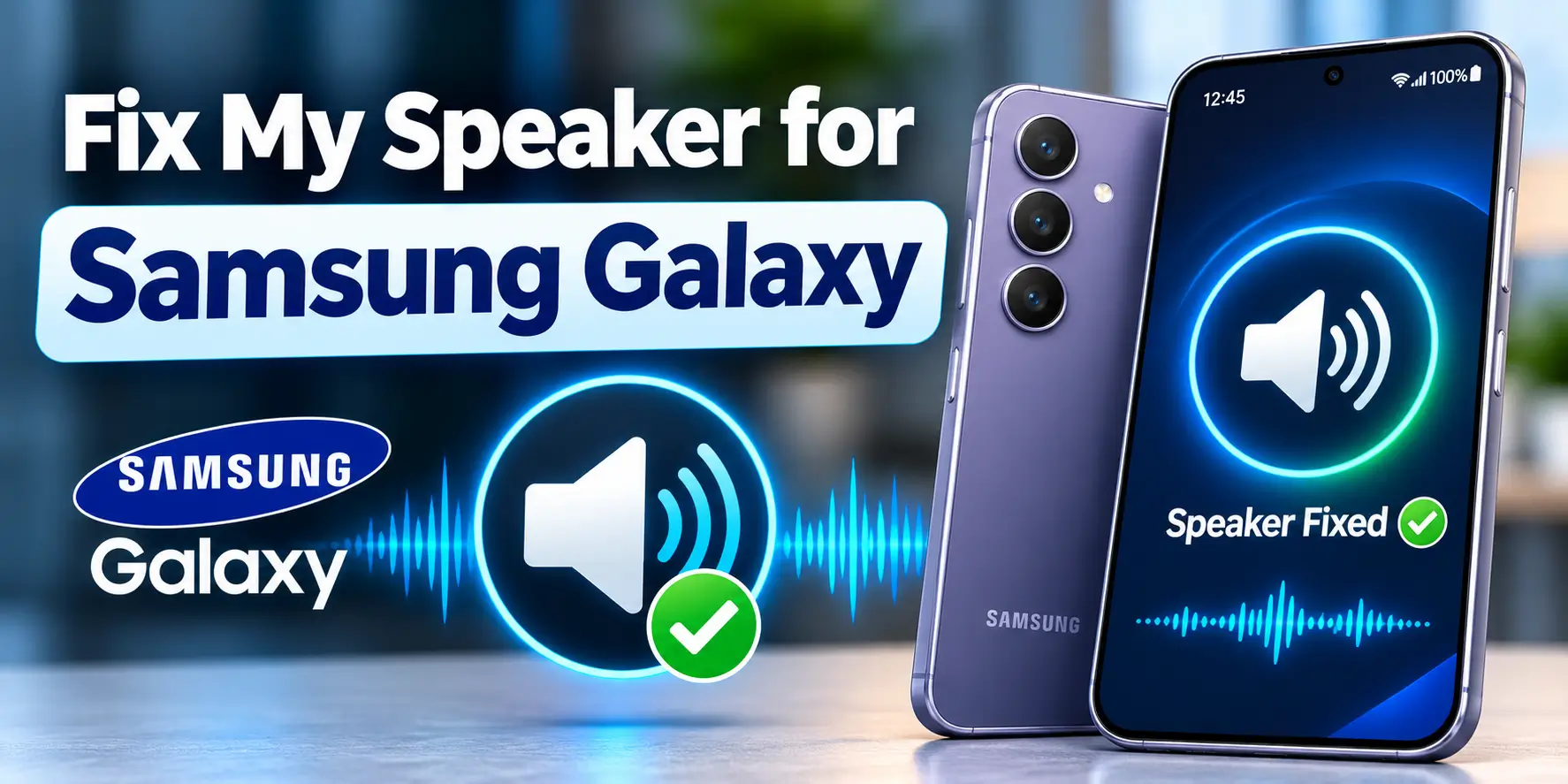
If your Samsung Galaxy speaker sounds muffled after rain, a splash, or dusty use, first dry the phone’s exterior, remove its case, and check that the phone is outputting audio. For possible moisture or loose debris, open Fix My Speaker and try its cleaning sound at a comfortable level. It may help if the grille is blocked, but it cannot repair a torn speaker, corrosion, or failed hardware.
Common Samsung Galaxy Speaker Problems
Galaxy users may notice low volume, muffled or underwater sound, crackling, buzzing, or no sound at all. The cause matters. Water or dust around the grille can reduce clarity, while Bluetooth routing, muted settings, app conflicts, or a damaged speaker can cause similar symptoms.
Also identify which speaker is affected. The bottom loudspeaker usually plays media, while the top receiver handles normal phone calls. Some models use more than one speaker for stereo playback. A working call receiver does not prove that the main loudspeaker is healthy.
Popular Samsung Galaxy Models IP Rating and Common Speaker Issues
These ratings describe resistance under specified test conditions, not waterproofing. Seals can wear, and drops or repairs can affect protection. Confirm the exact regional model in its manual because variants can differ.
| Galaxy model/family | Published IP rating | Practical speaker concern |
|---|---|---|
| Galaxy S25 / S24 series | IP68 | After water exposure, temporary muffling; also check case obstruction and audio routing. |
| Galaxy S23 series | IP68 | Grille contamination or impact-related distortion can resemble moisture blockage. |
| Galaxy A56 5G / A36 5G | IP67 | Dust or lint near the grille, low media level, or app-specific audio trouble. |
| Galaxy A35 5G / A54 5G | IP67 | Check muffling after splashes and confirm the case does not cover openings. |
| Galaxy A16 5G | IP54 | Do not assume it can tolerate immersion; protect it from liquid and dust. |
| Galaxy Z Fold6 / Z Fold7 | IP48 | Inspect the relevant speaker opening and test each speaker path separately. |
Samsung lists the S25, S24, and S23 families as IP68, several A-series models including A56 and A36 as IP67, A16 5G as IP54, and Z Fold6/Fold7 as IP48. The “4” in IP48 indicates a different solid-particle protection level from dust-tight ratings. Do not treat any rating as permission to deliberately wet or submerge a phone.
How to Use Fix Your Samsung Galaxy Speaker
This works best for muffled, quiet or crackly sound after water or dust. Follow the steps in order and do not skip the drying step.
- Remove the case from your Galaxy.
- Pat the phone dry with a soft cloth, including the speaker, microphone and charging port.
- Unplug the charger and any earphones.
- Turn off Bluetooth from the Quick Settings panel.
- Open Chrome or Samsung Internet and go to the Fix My Speaker homepage.
- Press the Volume Up key until Media volume is at maximum.
- Place the phone on a soft cloth with the bottom edge facing down.
- Choose Sound mode, tap Play and stay on the page with the screen on.
- Let the progress bar finish, wait 10 seconds and repeat up to three times.
- Wipe the grille, then play a song or voice note to test the sound.
- If it is still muffled, run Deep Clean mode once.
Never use a toothpick, pin or compressed air on the grille. They can tear the mesh or push dirt deeper inside.
If you carry your Galaxy in a pocket or bag, run the tool every two weeks. It keeps lint from building up in the grille.
One UI Sound Settings to Check First
Samsung’s One UI has many sound switches, and one wrong setting can make a healthy speaker sound dead. Check these before you blame the hardware.
- Open Settings, then Sounds and vibration, then Volume, and raise Media and Calls.
- Turn off Do not disturb in Settings, then Notifications, and check Modes and Routines for a mode that mutes the phone.
- Open Settings, then Accessibility, then Hearing enhancements, and turn off Mute all sounds.
- In the same menu, set the Left/right sound balance to the centre.
- Open Settings, then Sounds and vibration, then Separate app sound, and turn it off.
- Open Sound quality and effects, switch Dolby Atmos off and set the equalizer to Normal, then test.
Still nothing? Restart the phone and install any update in Settings, then Software update. Then try Safe mode by holding the Power button, long pressing Power off and tapping Safe mode.
If sound works in Safe mode, a downloaded app is the cause, so remove recent apps one by one. A factory reset is the last resort, and only after a full backup.
If the Speaker Still Sounds Bad
Inspect the grille under good light. If you see loose surface dust, gently sweep it with a clean, dry, soft-bristled brush while holding the speaker opening downward. Do not insert a pin, toothpick, cotton swab, or liquid into the grille, and do not use compressed air.
Update One UI from Settings and update the Software, then test audio again. If the problem began after installing an app, try Safe Mode using the power menu. If sound returns in Safe Mode, remove recent equalizer, sound-control, or recording apps one at a time. Avoid clearing unfamiliar system app data or factory-resetting before simpler checks.
When a Speaker Cleaner Will Not Work
A browser sound tool cannot fix a torn diaphragm, failed speaker module, loose internal connector, damaged amplifier, or corrosion on the circuit board. It also cannot remove dried salt, pool chemicals, sugary drinks, or thick debris embedded in the mesh.
If the speaker remains silent, rattles at low volume, or distorts across different apps after the phone is dry and settings are checked, stop running cleaning sounds. Persistent faults need diagnosis, not a louder tone.
When to Visit a Samsung Service Centre
Arrange professional inspection if the phone was submerged, exposed to saltwater or a sugary liquid, dropped shortly before the problem, heats unusually, restarts by itself, or has persistent speaker failure. Power it down and do not charge it if internal liquid exposure is suspected. Do not delay repair just because one speaker briefly sounds clearer.
Samsung Members may offer device diagnostics on supported models and software versions. Run the speaker check if available, but treat the result as one clue rather than a definitive hardware verdict. Use Samsung’s official support or service-centre channel for your country, including warranty and repair-cost confirmation.
Final Advice
Dry the phone, check the One UI settings and run the tool. If the sound is still dull, our guide on why a speaker sounds muffled explains the deeper causes.
If the problem is still there after all this, your time was not wasted. You now know it is likely hardware, and a technician can fix it faster with that clear picture.