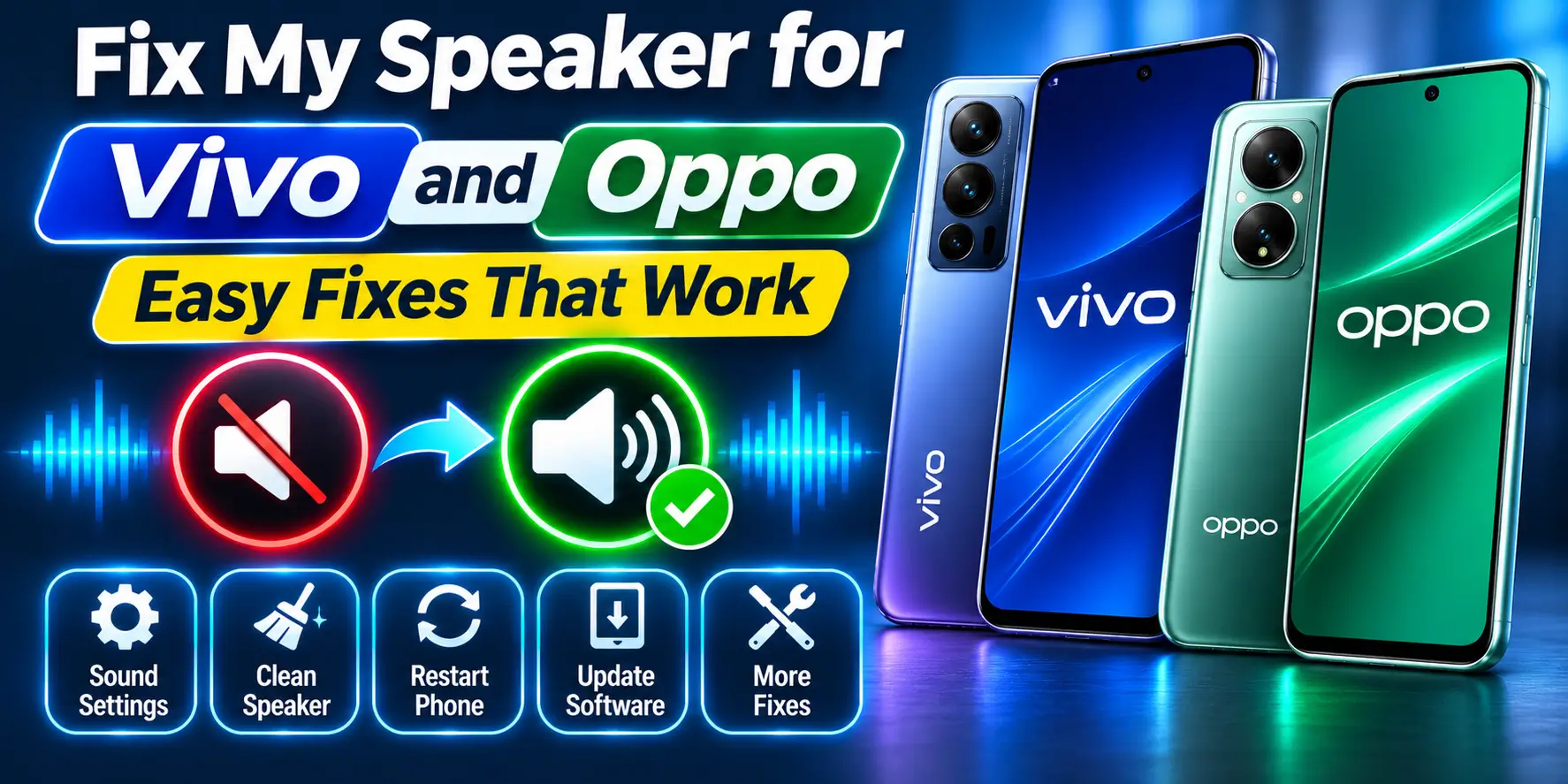
Fix My Speaker for Vivo and Oppo – Easy Fixes That Work
To fix a Vivo or Oppo speaker, remove the case, set media volume high, turn off Do Not Disturb and gently clean the grille with a dry soft brush. Most weak speakers are blocked, not broken.
Try the free Fix My Speaker tool now. It uses sound to push dust and moisture out of the grille. It works best when the problem is a blockage, not failed hardware.
Common Vivo and Oppo Speaker Problems at a Glance
| Problem | Likely cause | Best fix |
|---|---|---|
| Low volume | Blocked grille, thick case, volume or Do Not Disturb setting | Fix 1, Fix 2, then the tool |
| Muffled sound | Dust or moisture on the speaker mesh | Fix 4, then the tool |
| Dust or water in the speaker | Pocket lint, monsoon splashes, humid air | Fix 4, the tool, then drying time |
| Weak earpiece in calls | Glass guard over the slot, dust, low call volume | Fix 1, Fix 2, Fix 4 |
| Crackling | Sound effects at high volume, loose debris, damaged cone | Lower volume, Fix 4, diagnostics |
| No sound | Bluetooth routing, software fault or hardware failure | Fix 2, Fix 3 |
Dust, monsoon humidity and pocket heat push grit and moisture into the grille.
Vivo and Oppo Speaker Types by Series
Do not assume every Vivo or Oppo phone has two full speakers. Some use one main bottom speaker, while others use the earpiece as part of a stereo setup. For example, the vivo T3 5G and V40 have dual stereo speakers, and the OPPO A57, A77 and A58 are documented with stereo speaker systems.
| Brand | Series | Speaker setup examples | Common issue |
|---|---|---|---|
| Vivo | Y | Varies by model, often a main bottom speaker | Dust and blocked grille |
| Vivo | T | Some models, such as T3 5G, use dual stereo speakers | Dust, moisture and uneven output |
| Vivo | V | Varies by generation; V40 has dual stereo speakers | Muffled media or weak earpiece |
| Oppo | A | Varies; A57, A77 and A58 have stereo speaker systems | Blocked grille or low volume |
| Oppo | F | Speaker layout varies by model | Dust, case blockage and ageing |
| Oppo | Reno | Many newer models use stereo speakers, such as Reno13 | Debris, moisture or software routing |
On stereo phones the earpiece slot at the top works as a second speaker. A blocked earpiece lowers media volume too. Vivo is moving from Funtouch OS to OriginOS, while Oppo uses ColorOS, so use the search bar in Settings if you cannot find an option.
Fix 1: Remove the Case and Screen Protector
Take off the case and play a ringtone or video. A thick case can partially cover the bottom speaker openings. On an Oppo A series phone, this is a quick test that can save you from unnecessary software changes.
- Remove the phone case.
- Play a clear voice or music track.
- Check whether the volume improves.
- Inspect the top earpiece slot.
- Replace a screen protector if it covers the receiver opening.
Fix 2: Check Volume, Bluetooth and Do Not Disturb
Android phones have separate audio controls, so increasing one slider does not always solve the problem. On Vivo, sound controls are generally under Settings, then Sounds and vibration. On Oppo, the common path is Settings, then Sound and Vibration, then Volume, on supported ColorOS versions.
- Open Settings.
- Open Sounds and vibration or the equivalent sound menu.
- Raise the media volume.
- Raise the ringtone or call volume if needed.
- Turn Bluetooth off.
- Turn off Do Not Disturb temporarily.
For a weak earpiece, raise the volume with the side key while you are on a call. Call volume is a separate level. Oppo also provides Dolby Atmos on some models, but the exact menu depends on the phone and ColorOS version.
Fix 3: Restart and Update Your Phone
A temporary audio service or app problem can make a speaker appear faulty. This is especially worth checking if the speaker became quiet after an update, app installation, or Bluetooth connection.
- Restart the phone.
- Play audio from two different apps.
- Check for a system update.
- Install the update if one is available.
- Test the speaker again after restarting.
On Vivo, open Settings, then System update, called Software update on OriginOS. On Oppo with ColorOS 12 or above, open Settings, then About device and tap the top card.
Fix 4: Clean the Speaker or Earpiece Safely
Fine dust and pocket lint can pack into the mesh over time. The grille can look clean from a distance but still have a thin layer of compacted dirt that reduces sound.
- Power the phone off if you are cleaning a visibly wet device.
- Hold the phone so the speaker opening faces downward.
- Use a clean, soft, dry brush very gently across the grille.
- Use several light passes instead of pressing into the mesh.
- Check the earpiece slot for dust or a badly fitted screen protector.
Do not push a pin, SIM tool, needle or toothpick into the speaker. Do not pour liquid into the grille and do not use compressed air directly against it. These shortcuts can damage the mesh or push debris deeper inside. If sound stays dull, read why a speaker sounds muffled.
Fix 5: Use Fix My Speaker to Remove Loose Water or Debris
Fix My Speaker is useful when the speaker is working but sounds muffled after moisture or loose debris has reached the speaker opening. The tool plays sound that moves the diaphragm, which can help move loose droplets or particles out of the grille.
- Dry the outside of the phone first.
- Remove the case.
- Open Fix My Speaker in your browser.
- Turn the phone volume to a safe high level.
- Place the affected speaker facing downward.
- Run the cleaning sound for a short session.
- Stop and test the speaker. Repeat only if the phone is still working normally and the sound remains muffled.
Never put the phone against your ear while the cleaning tone is playing. If the phone becomes hot, the sound becomes harsh, or the speaker behaves worse, stop. For a weak earpiece, run the cycle with the top of the phone facing down.
Fix 6: Run Oppo Audio Diagnostics or Check Vivo Sound Settings
Oppo provides an audio detection function on supported ColorOS versions through Phone Manager, then Component Check or Routine Test, then Detect Now, then Audio. This can help separate a software problem from a hardware fault.
- Open Phone Manager on your Oppo phone.
- Open Component Check, Routine Test, or the available diagnostic option.
- Select Audio if shown.
- Run the test.
- Follow the result before deciding on repair.
Vivo menus vary between Funtouch OS and OriginOS versions. Start with Settings, then Sounds and vibration, and test the available sound quality options. If output is still poor, use Vivo’s support tools rather than changing hidden system settings.
Test in Safe Mode, Then Reset Only as a Last Resort
- Hold the power button, then press and hold Power off. Tap OK when the safe mode prompt appears.
- If your Vivo shows no prompt, switch it off, turn it on and hold Volume Down when the logo appears.
- Play audio. If it sounds fine, a downloaded app is the cause, so uninstall recent apps.
- If safe mode sounds bad too, back up your data first, then search Settings for Erase all data and reset the phone.
Steps differ by model and version. A reset is only a last resort, and if the speaker is still weak after a reset, the problem is hardware.
When Fix My Speaker Will Not Work
A sound-based cleaner cannot repair a failed speaker. If the cone or voice coil is damaged, the connector is loose, or corrosion has reached the hardware, the correct solution is physical inspection and repair.
Water resistance also does not mean waterproof. Ratings vary by exact model and are based on lab test conditions. Some Oppo phones also include their own Speaker Cleaner feature, depending on ColorOS version and model.
- Crackling continues at normal volume.
- The speaker stays silent after restart and Bluetooth checks.
- The phone was dropped near the speaker area.
- There are signs of corrosion or liquid entry.
- The speaker fails an available hardware diagnostic.
If your phone took a dunk, switch it off, wipe it and keep the speaker facing down. Do not charge it until it is dry. Our guide on how to repair a water damaged mobile covers the full routine.
Vivo and Oppo Speaker Repair Cost in India
| Repair | Typical cost |
|---|---|
| Grille cleaning | ₹100 to ₹500 |
| Earpiece replacement | ₹500 to ₹1,000 |
| Loudspeaker replacement | ₹500 to ₹2,000 |
| Water damage cleaning | ₹800 to ₹2,000 |
These are typical shop ranges. Prices change by model and city, so ask for a written quote first. Authorised service centres use genuine parts and give a warranty.
Simple Habits to Keep Your Speaker Clear
- Brush the grille and earpiece slot once a week.
- Use a case with proper speaker cutouts.
- Keep your phone away from rain and bathroom steam.
- Run the tool after dusty days or monsoon splashes.
- Listen at moderate volume to protect the speaker and your ears.
Frequently Asked Questions
Final Thoughts
Most Vivo and Oppo speaker problems are simple. Start with settings, remove the case, clean the grille and run the tool before you spend money.
If the sound is still dead after these steps, visit an authorised service centre. A quick check is cheaper than a wrong guess.